AVAYA DOCUMENTATION CENTER
Find answers to your technical questions and learn how to use our products
Deploying IP Office Server Edition and Application Servers
Checking memory usage
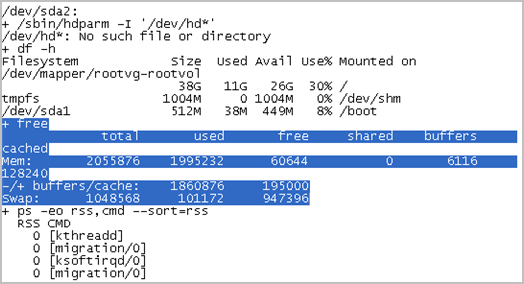
To debug a case you need to check the memory that the system uses.
Note:
You can also check the memory usage in the Home page of the Web Control Panel.
Before you begin
Log in as Administrator using SSH Secure File Transfer client
Procedure
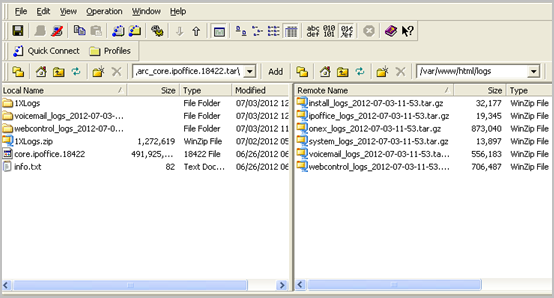
- Type the path of the system logs folder in the Remote View of the File Transfer window.
The path is /var/www/html/logs.
The system displays the list of all the logs.
Result
The system displays the details of memory usage in the table that follows the text + free.