

AVAYA DOCUMENTATION CENTER
Find answers to your technical questions and learn how to use our products
Avaya Aura® Communication Manager Reports
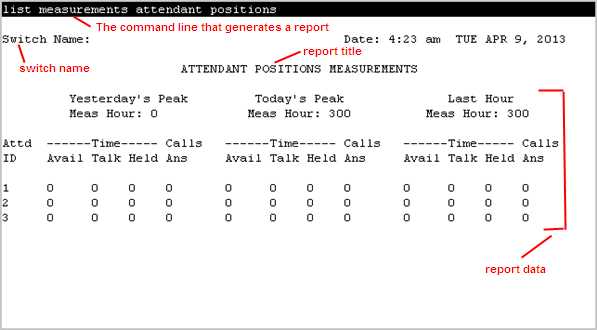
Sample list measurements report screen
The following screen shot shows a sample report screen for the list measurements command. The red callouts identify standard report content.
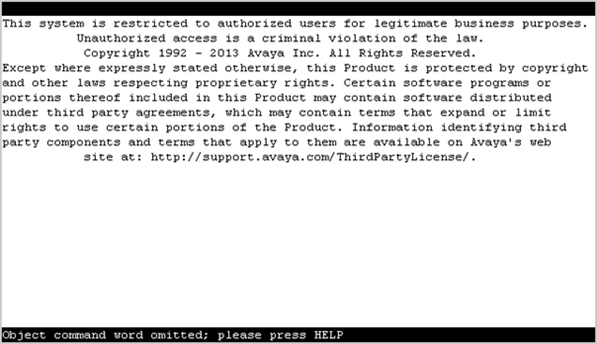
The system displays the error messages above the command prompt.
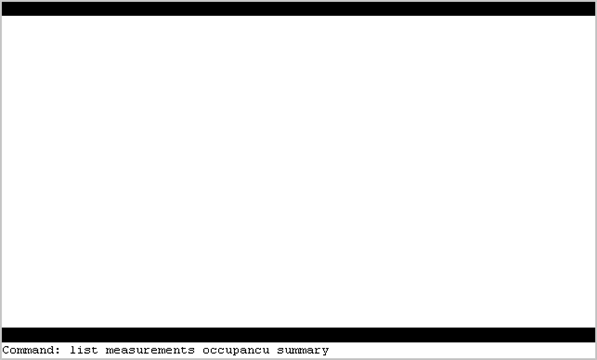
The system displays the commands that you type on the command prompt.
Note:
Large, busy systems take more time to process list measurement reports. Therefore, data updates might be delayed by a few minutes.