

AVAYA DOCUMENTATION CENTER
Find answers to your technical questions and learn how to use our products
Using Analytics for Avaya Experience Platform™ Public Cloud
Application Center overview
Application Center is a management interface that provides a single administration experience across the solution. The core administration services of Avaya Experience Platform™ Public Cloud are available to configure in Application Center.
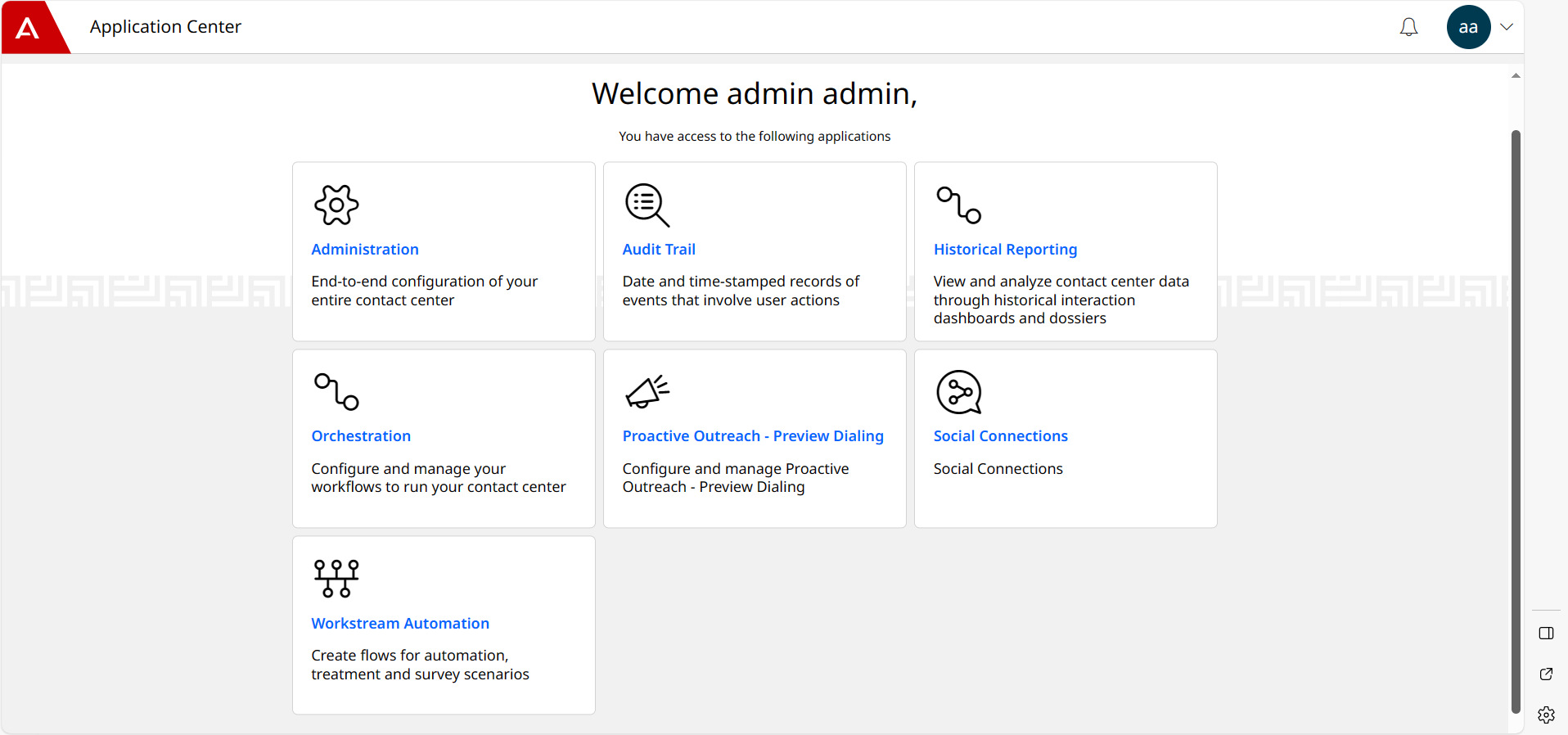
You can use Application Center to manage your contact center. The Application Center dashboard has links to the Application Center Administration, Avaya Workspaces, Audit Trail, Orchestration, Automation, and Analytics for Avaya Experience Platform™ Public Cloud applications and interfaces, providing a consistent user experience across the solution. Application Center Administration provides a navigation menu to configure different aspects of the contact center.
Application Center has a persona-based login, and configuration is done at the system and account level. Avaya handles system level configuration. When you initially log in to configure your contact center, you log in as an account administrator. Account administrators manage entities that are specific to their account. Some initial default configuration exists in Application Center Administration after you first log in with the account administrator credentials Avaya provides. For example, the channels you purchased are enabled, and connectors are configured. Application Center Administration supports a range of other roles, such as supervisors and reporting users.
Application Center is based on industry standards and conforms with Section 508 standards.