

AVAYA DOCUMENTATION CENTER
Find answers to your technical questions and learn how to use our products
Deploying Avaya Wireless DECT with IP Office
Upgrading the AIWS Firmware
The AIWS is supplied with a default set of firmware. This must be upgraded to the firmware version provided with the IP Office application software. Only the firmware supplied with the IP Office application software or indicated in IP Office Technical Bulletin should be used with AIWS units on IP Office Avaya Wireless DECT systems.
-
Important: This process can take up to 40 minutes.
- Using a browser login to the unit.
- Click on Configuration.
ADDITIONAL INFORMATION:
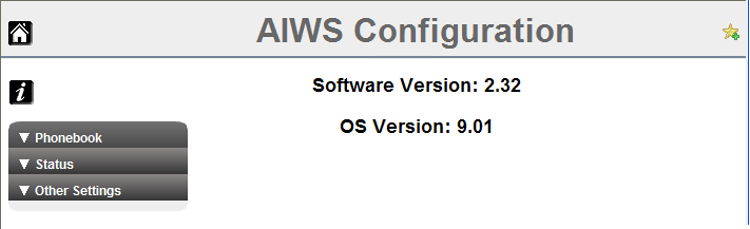
- Note the software version. Check whether this already matches the firmware detailed as supported by the level of software on the IP Office system.
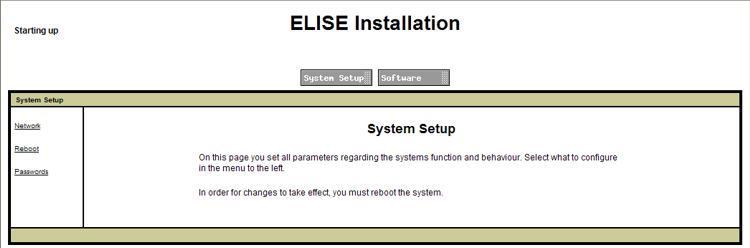
- In the browser address bar, change the /config/start.php part of the address to /system.
- Click the Software button.
ADDITIONAL INFORMATION:
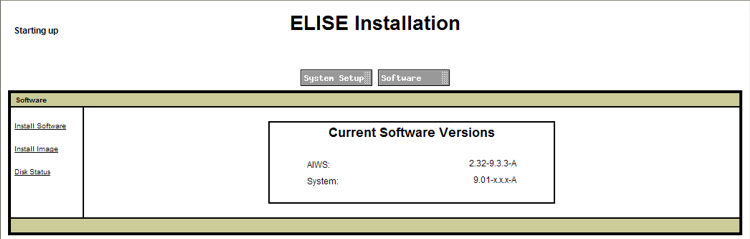
- In the sidebar, click Install Image.
ADDITIONAL INFORMATION:
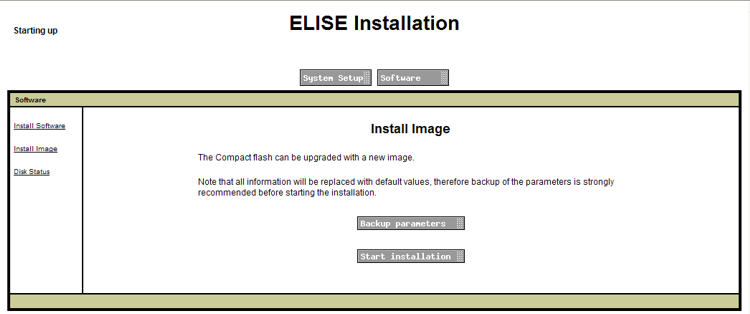
- Click the Backup parameters button.
ADDITIONAL INFORMATION:
 The browser shows a dialog for downloading a file called aiws-backup from the AIWS unit.
 - Select the option to save the file and select a save location. Make note of the location as the file needs to be reloaded after the firmware upgrade.
- Click the Start installation button. A status and progress window appears:
ADDITIONAL INFORMATION:
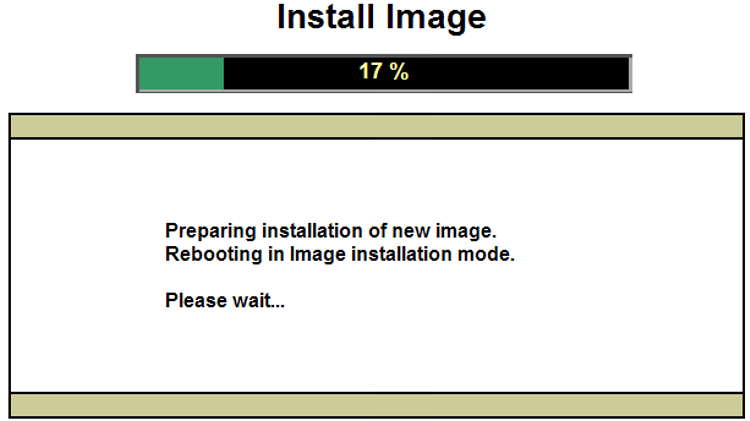
- After a short delay, the AIWS prompts you for the location of the firmware file for the upload.
ADDITIONAL INFORMATION:
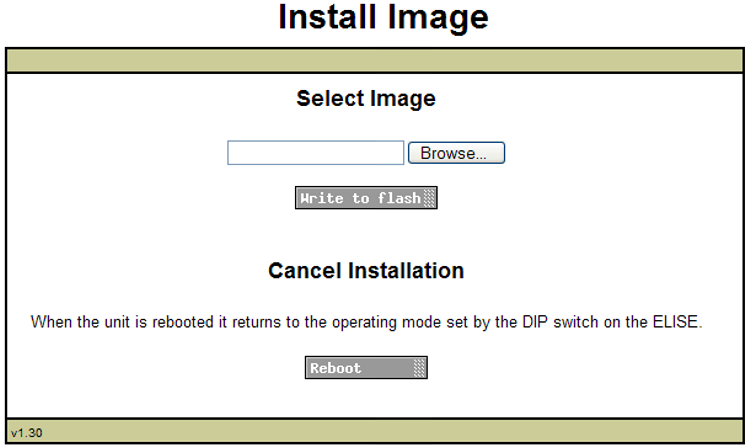
- Click on Browse. Locate the AIWS folder in the software set previously unpacked. Select the .img file.
ADDITIONAL INFORMATION:
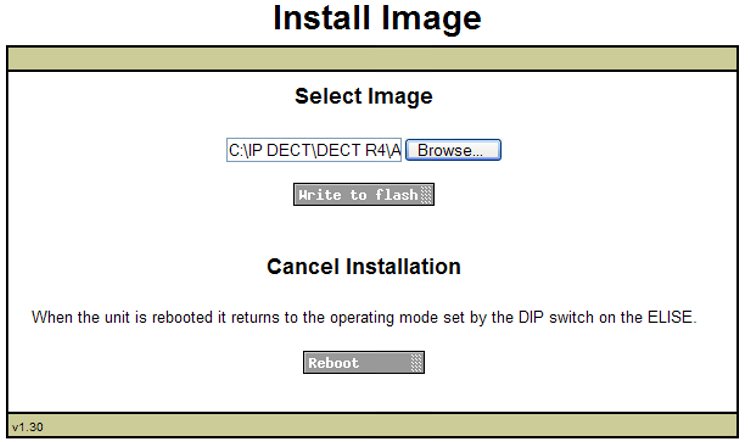
- Click the Write to flash button.
ADDITIONAL INFORMATION:
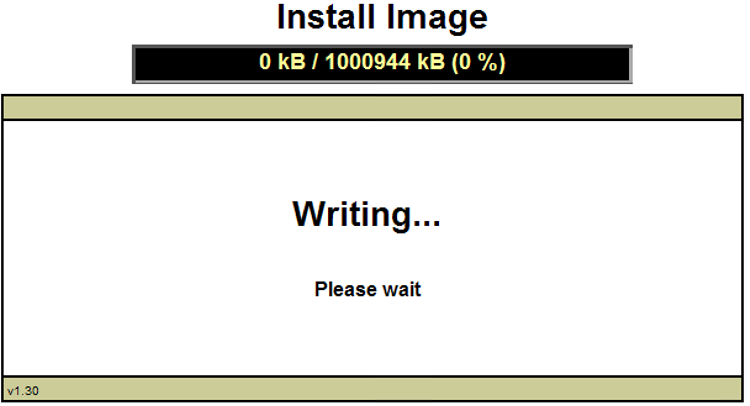
- Wait for the process to finalize. The process can be time consuming, but must be allowed to complete.
ADDITIONAL INFORMATION:
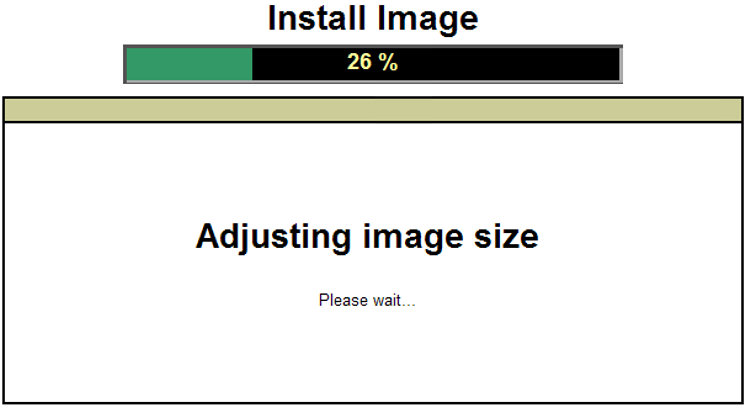
- If the browser security warning is displayed, select to continue.
ADDITIONAL INFORMATION:
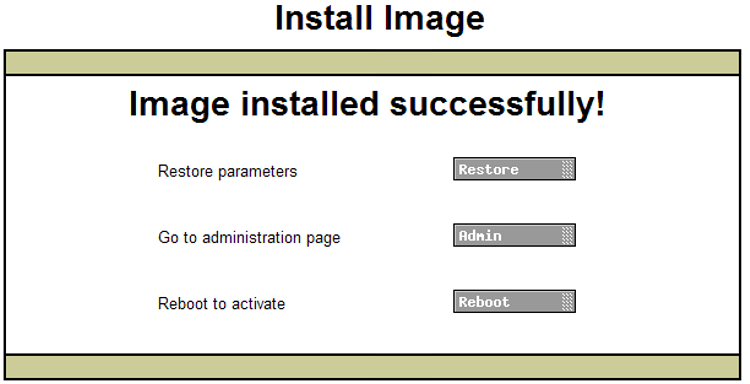
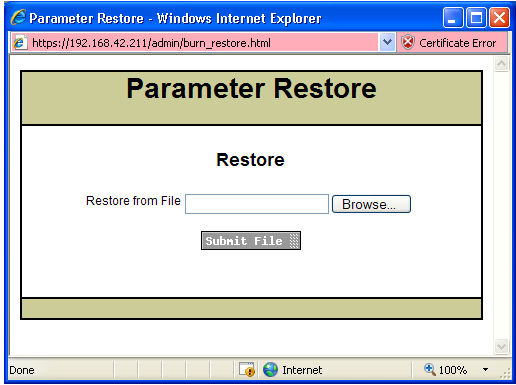
- Click Restore. A separate window opens.
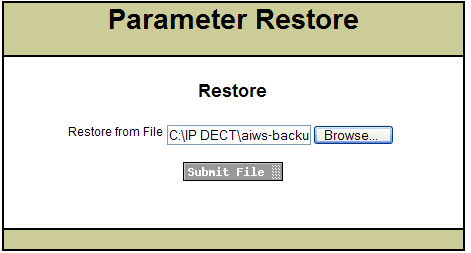
- Select Browse, then locate and select the previously backed up aiws-backup file.
ADDITIONAL INFORMATION:
- Click Submit file.
ADDITIONAL INFORMATION:
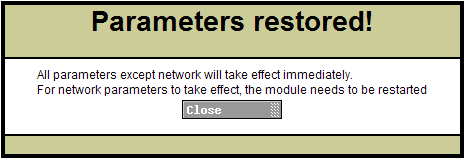
 After the parameters are restored, a notification appears.
 - Click Close.
ADDITIONAL INFORMATION:
- Select Reboot.
ADDITIONAL INFORMATION: