AVAYA DOCUMENTATION CENTER
Find answers to your technical questions and learn how to use our products
Deploying Avaya Wireless DECT with IP Office
Installing Windows Device Manager to Upgrade Phones
As an alternative to the Device Manager application integrated into the AIWS unit, a copy of Windows Device Manager can be installed onto a Windows PC.
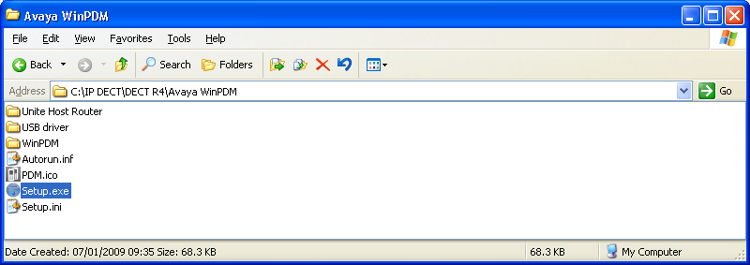
- Browse to the location where you unpacked the IP Office software for Avaya Wireless DECT. Locate the Avaya WinPDM folder.
- Double-click on Setup.exe.
ADDITIONAL INFORMATION:
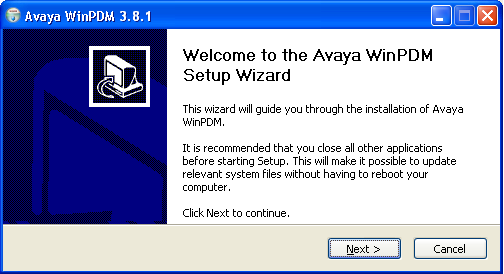
- Click Next.
ADDITIONAL INFORMATION:
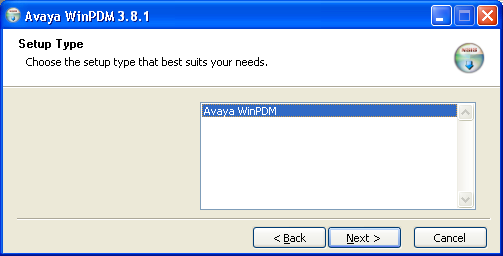
- Select Avaya WinPDM and click Next.
ADDITIONAL INFORMATION:
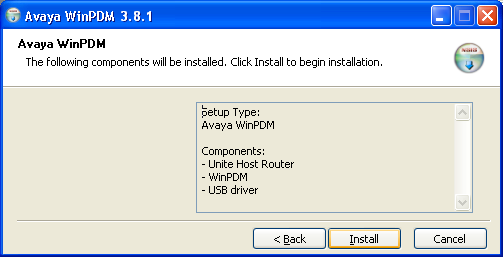
- Click Install.
ADDITIONAL INFORMATION:

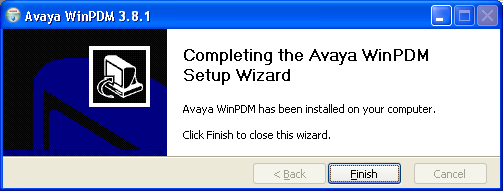
- When the installation is complete, click on Finish.
ADDITIONAL INFORMATION: