

AVAYA DOCUMENTATION CENTER
Find answers to your technical questions and learn how to use our products
Deploying Avaya Wireless DECT with IP Office
Deactivating LAN Port (IPBL only)
The IP DECT Gateway (IPBL) has two LAN ports. The LAN2 port is used for administration only. If necessary, you can deactivate that port.
- Select LAN2 > IP.
ADDITIONAL INFORMATION:Note: The LAN2 port is for administration only. It is typically the port you want to deactivate.
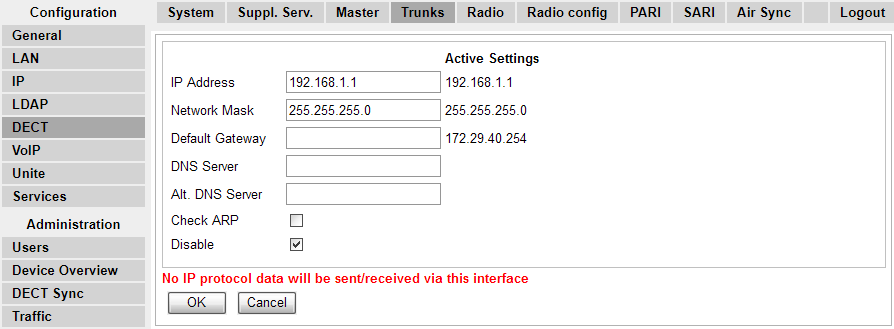
- Select the Disable checkbox.
- Click OK.