

AVAYA DOCUMENTATION CENTER
Find answers to your technical questions and learn how to use our products
Deploying Avaya Wireless DECT with IP Office
Enabling IP Office Subscription
- Start IP Office Manager and receive the configuration from the IP Office system.
- In the left-hand navigation pane, click on
 Line icon.
 - Select the
 IP DECT Line.
 - Select the Gateway tab.
ADDITIONAL INFORMATION:
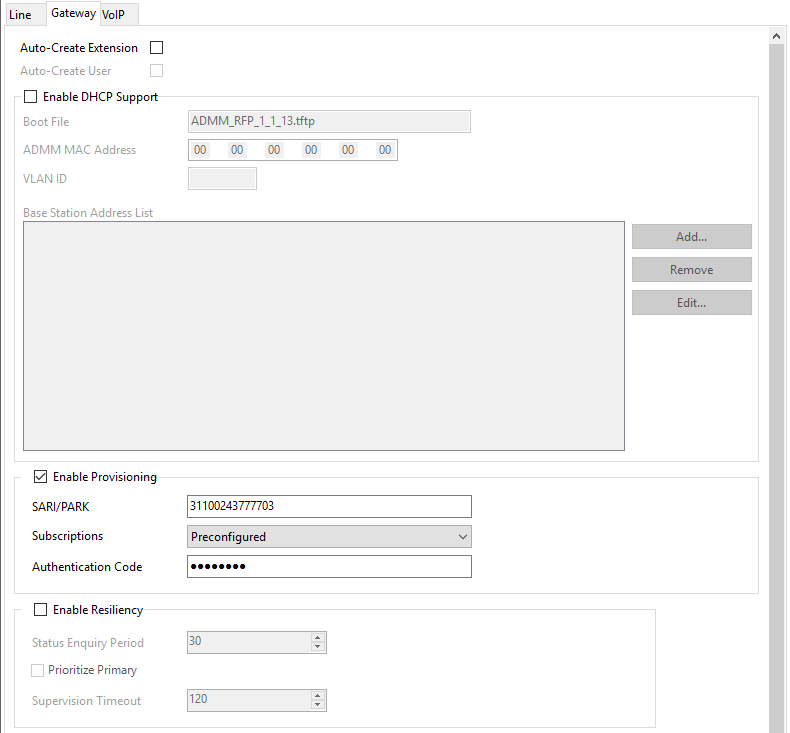
- Check that the Auto-Create Extension and Auto-Create User options are selected.
- Click OK.
- Send the configuration back to the IP Office.