

AVAYA DOCUMENTATION CENTER
Find answers to your technical questions and learn how to use our products
Deploying Avaya Wireless DECT with IP Office
Selecting Administration Mode
On Standard Base Stations, all base station menus and menu options are visible by default, including numerous settings that are not applicable for IP Office operation. Compact Base Stations have advanced options hidden by default. This option is not supported on an IP DECT Gateway.
To enable or disable the advanced administration mode, use the following procedure.
- Select General | Admin.
ADDITIONAL INFORMATION:
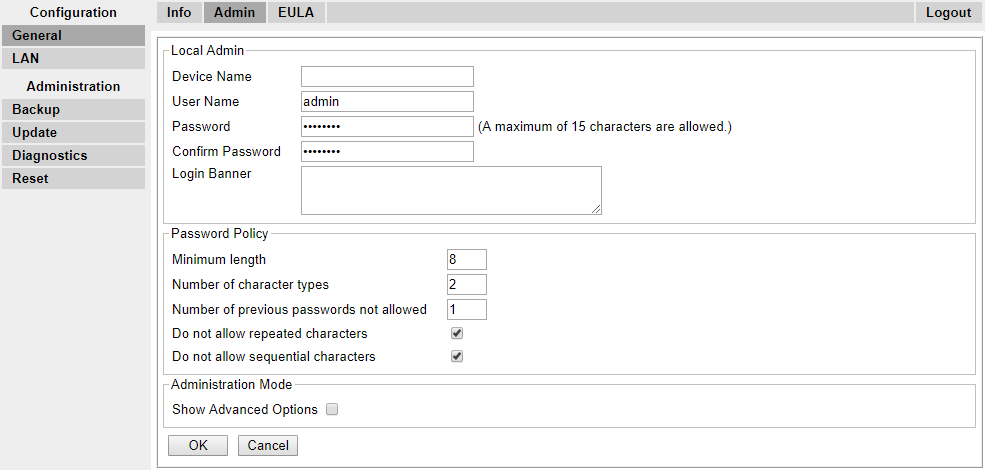
- Enable or disable the Show Advanced Options checkbox as desired.
ADDITIONAL INFORMATION:

- Click OK.