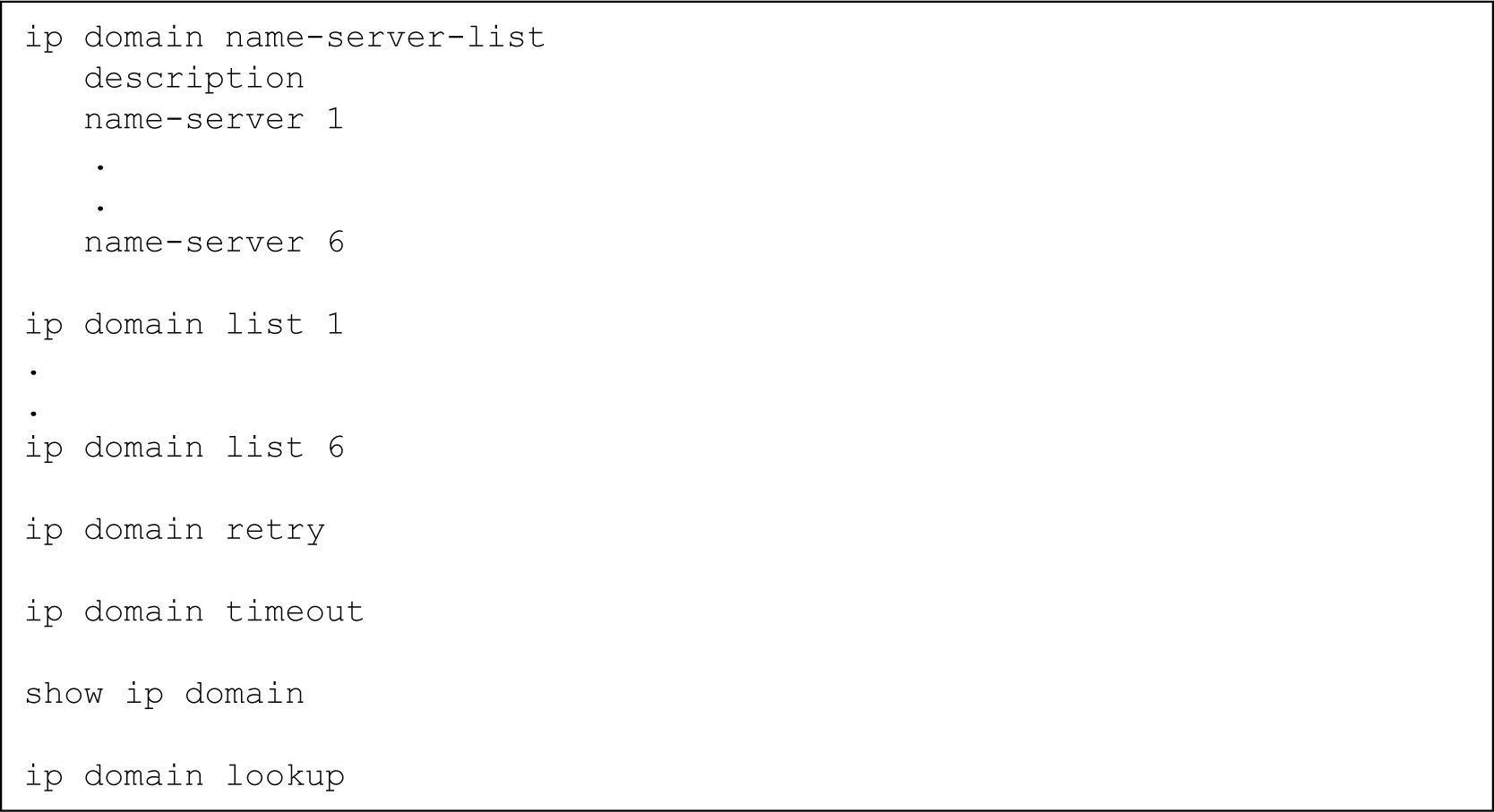
Use the ip domain list command to configure a domain name.
This domain name will be used as a suffix to complete non-FQDN names (hostnames that do not end with a dot).
Assign an index number that ranks the domain name by priority.
Specify the domain name.
Repeat Step 5 to configure additional domain names.
You can configure up to six domain names.
Gxxx-001(config)# ip domain list 1 avaya.com
Done!
Gxxx-001(config)# ip domain list 2 emea.avaya.com
Done!
Optionally, configure the number of DNS query retries, using the ip domain retry command.
The default value is 2.
Gxxx-001(config)# ip domain retry 4
Done!
Optionally, configure the timeout for a DNS query using the ip domain timeout command.
The default value is 3 seconds.
Gxxx-001(config)# ip domain timeout 4
Done!
The DNS resolver is enabled by default.
Gxxx-001(config)# ip domain lookup
Done!
If either DHCP Client or PPP are configured in the Branch Gateway, you do not need to configure DNS resolver because the DNS resolver is enabled by default. In addition, the DHCP Client and PPP discover DNS servers automatically, so the list of DNS servers include the automatically-learned DNS servers.
For DHCP Client, enable DHCP Client by entering ip address dhcp. For information about DHCP Client see Configuring the DHCP client.
For PPP, enable automatic discovery of DNS servers by entering ppp ipcp dns request.