AVAYA DOCUMENTATION CENTER
Find answers to your technical questions and learn how to use our products
Deploying and Upgrading Avaya G450 Branch Gateway
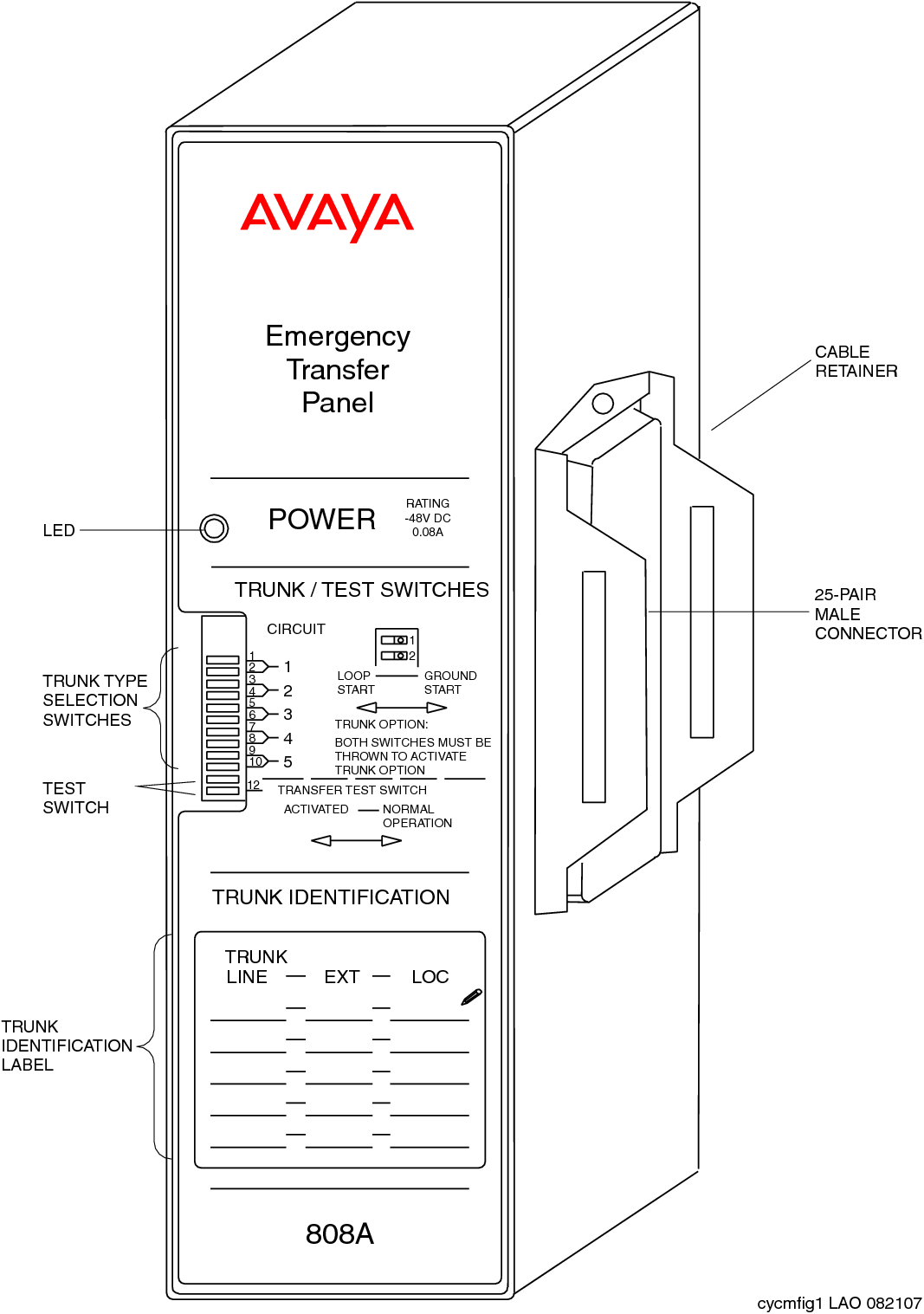
808A Emergency Transfer Panel and associated phone installations
The Emergency Transfer Relay (ETR) feature provides basic phone services in case of a system failure, such as a power outage or failed connection to the MGC. You can use the ETR feature in conjunction with an MM711, MM714, MM714B, or MM716 analog media module. The ETR panel provides up to five incoming Central Office (CO) trunk loops to 5 selected G450 Branch Gateway analog lines. One ETR panel supports up to five emergency lines. You can cascade a second ETR panel, providing support for up to 10 emergency analog phones.
ETR is activated automatically upon system failure by closing the tip or ring contacts between the analog lines and the analog trunks. When ETR is activated, all calls are directed by the analog relays between the outside lines and analog phones. A current-loop detection circuit prevents ongoing calls from disconnection when normal functioning resumes. If a call is in progress on an outside line when the connection is restored, the call continues. The trunk port and analog line port passing through the ETR panel do not operate until the active call ends.
For more information on installing the 808A Emergency Transfer Panel, see 808A Emergency Transfer Panel Installation Instructions, 03-602518, which is provided with the Emergency Transfer Panel.