AVAYA DOCUMENTATION CENTER
Find answers to your technical questions and learn how to use our products
Deploying and Upgrading Avaya G450 Branch Gateway
Replacing the fan tray
About this task
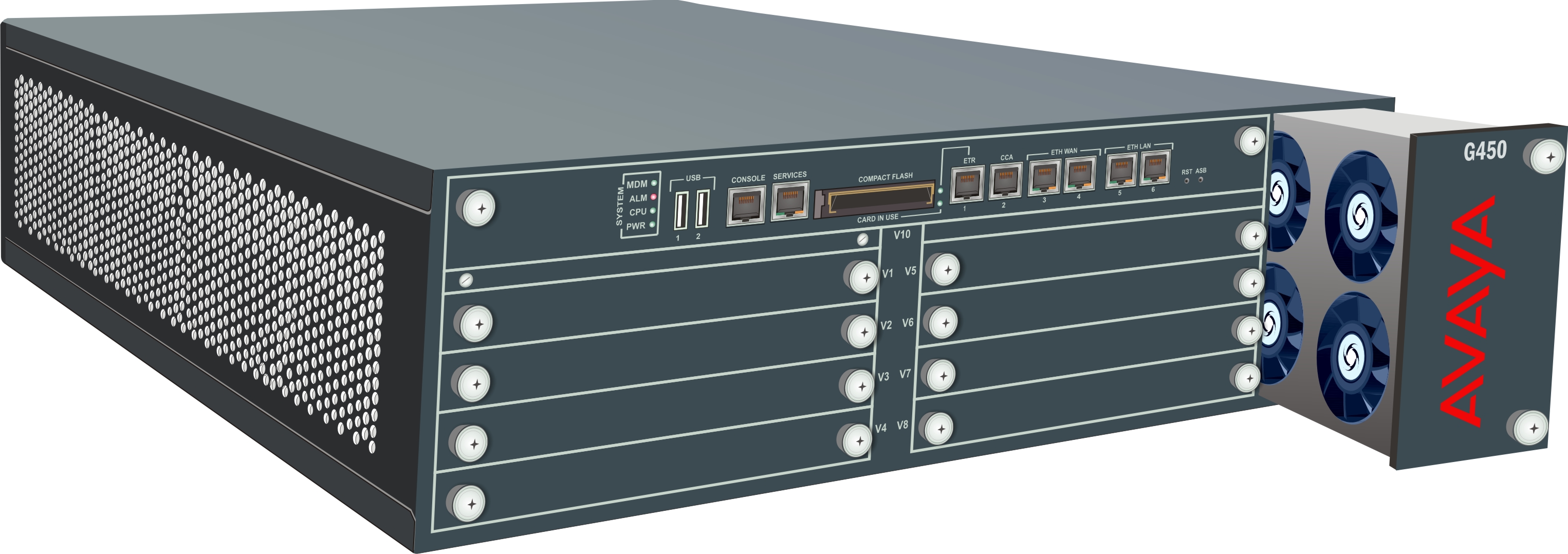
The fan system is field replaceable. It is mounted on a fan tray that can be replaced as one unit.
Branch Gateway supports hot swap of the fan tray. There is no need to power down or reset the Branch Gateway when replacing a faulty fan tray unit.
Important:
Replace the fan tray within one minute, to avoid overheating of the Branch Gateway. If the Branch Gateway exceeds its allowed heat level, it shuts down.
If you remove and replace the fan tray, do not remove it again before waiting at least five minutes.
Procedure
- Prepare the new fan tray for insertion before removing the current fan tray. Take the new fan tray out of its package and place it nearby.
Figure : 1. Replacing the fan tray