

AVAYA DOCUMENTATION CENTER
Find answers to your technical questions and learn how to use our products
Deploying and Upgrading Avaya G450 Branch Gateway
Connecting a WAN link to the MM342 media module
About this task
You must connect the WAN link to a device connected to the Avaya MM342 media module.
Use one of the following cable types, depending on the service provider’s equipment:
Avaya serial cable DTE V.35
Avaya serial cable DTE X.21
G450 Branch Gateway v4 does not support the MM342 media module.
Procedure
Plug the WAN line into the USP port on the MM342 media module.
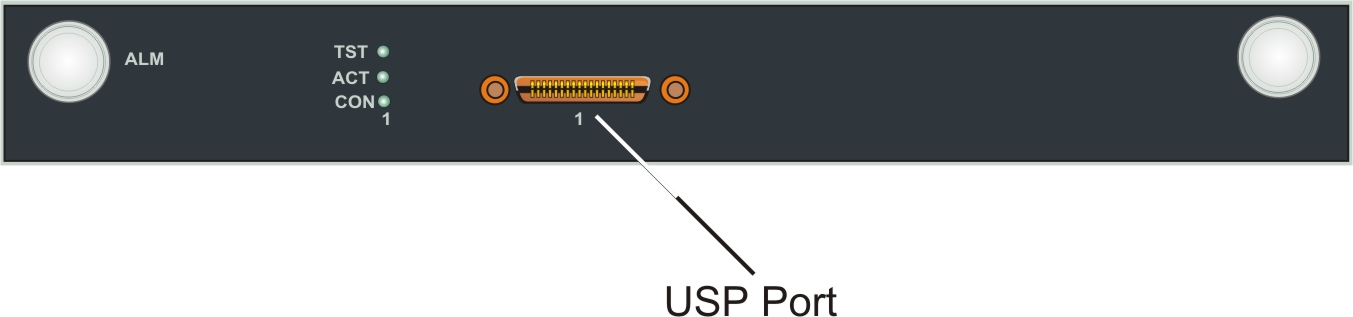
The following image shows the USP Port location on the MM342 media module: