AVAYA DOCUMENTATION CENTER
Find answers to your technical questions and learn how to use our products
Deploying and Upgrading Avaya G450 Branch Gateway
Connecting an analog phone
About this task
Analog line ports support up to 2,000 ft (609.6 m) for the phone equipment with a ringer load below 3 REN.
For a full list of supported phones, see Avaya G450 Branch Gateway Overview and Specification.
Procedure
- Plug the phone into the telephone port.
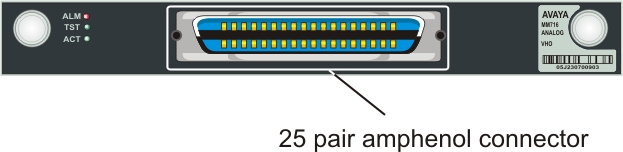
The following images show the analog port location on MM711, MM714, MM714B, and MM716 media modules.
Figure : 1. MM711 media module analog ports
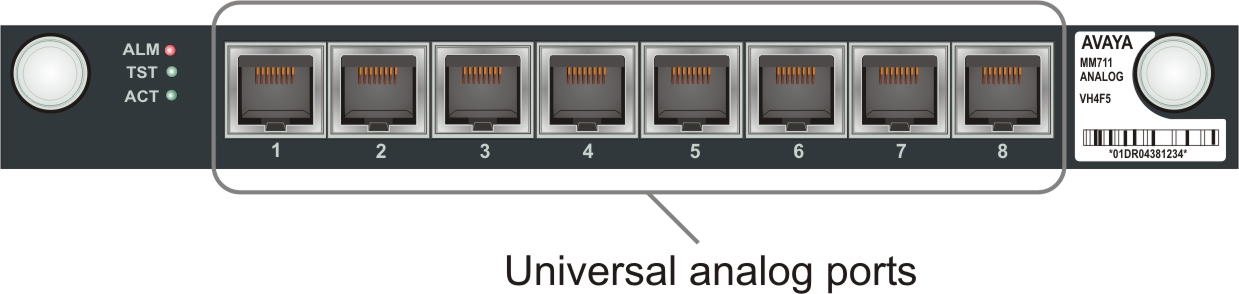
Figure : 2. MM714 media module analog ports
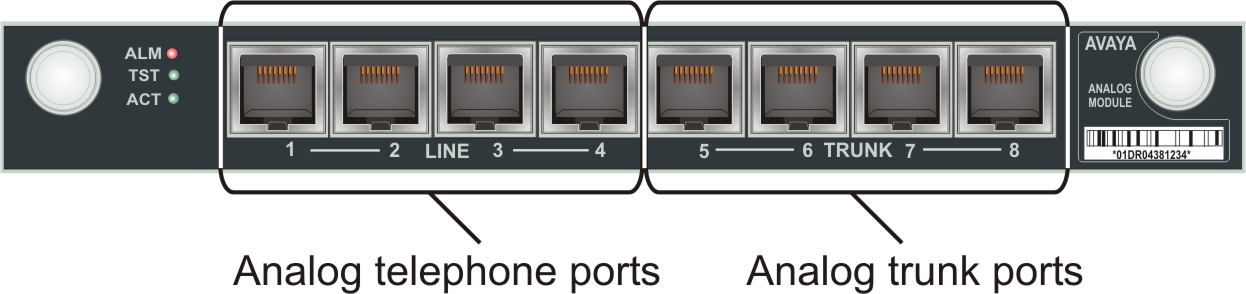
Figure : 3. MM714B media module analog ports
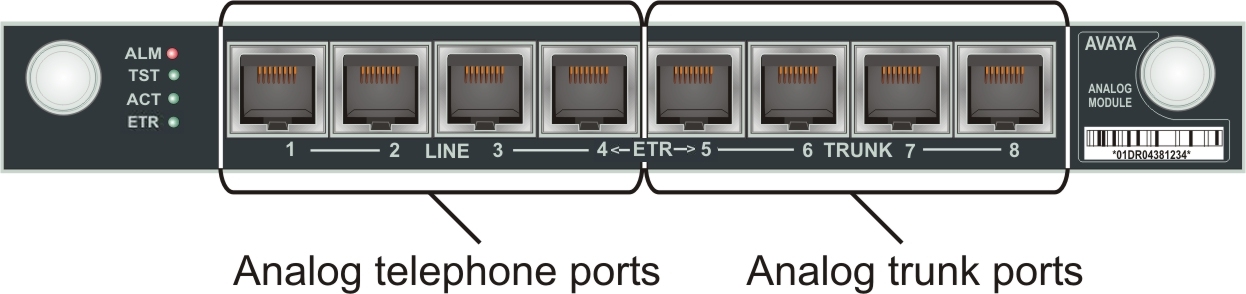
Figure : 4. MM716 media module amphenol connector