AVAYA DOCUMENTATION CENTER
Find answers to your technical questions and learn how to use our products
Implementing and Administering Avaya Aura® Media Server
Reviewing High Availability configuration and status
About this task
After the 1+1 High Availability cluster is formed, several EM pages display new features that reflect the new High Availability state.
Use this procedure to use the new features of High Availability and to ensure High Availability is in full service:
Procedure
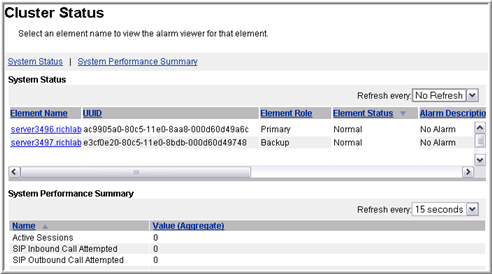
- Confirm the following:
Only two nodes are listed.
One Element Role is listed for each of the Primary and Backup server.
No alarms are listed in the Alarm Description column.
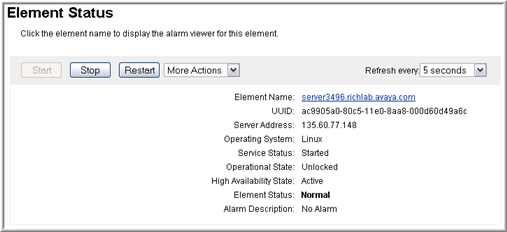
- Navigate to .
The system now displays a new field, High Availability State, on the Element Status page.
High Availability State must be Active.
Ensure no alarms or service impacting states exist.
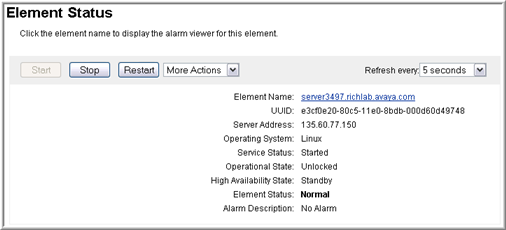
- Using the EM for the Backup server, navigate to .
The system displays a new field, High Availability State, on the Element Status page.
The High Availability State must be Standby.
Ensure no alarms or service impacting states exist.