AVAYA DOCUMENTATION CENTER
Find answers to your technical questions and learn how to use our products
Implementing and Administering Avaya Aura® Media Server
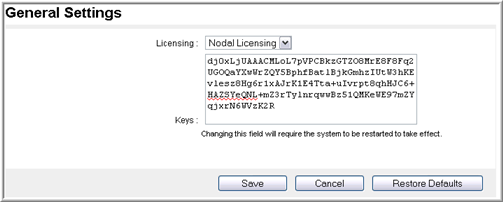
Configuring Nodal Licensing
About this task
In the Nodal Licensing configuration, the system configures each Avaya Aura® MS with a node-locked key that enables features only for that server. The key is based on the unique MAC addresses of each server and does not work on any other server.
Perform the following procedure to configure a nodal license:
Procedure
- From the Licensing drop-down menu, select Nodal Licensing.