Reviewing SDRs

Last Updated : Jan 21, 2022 |

About this task

Perform the following procedure to filter and review the details of any sessions archived by the media server:

Procedure

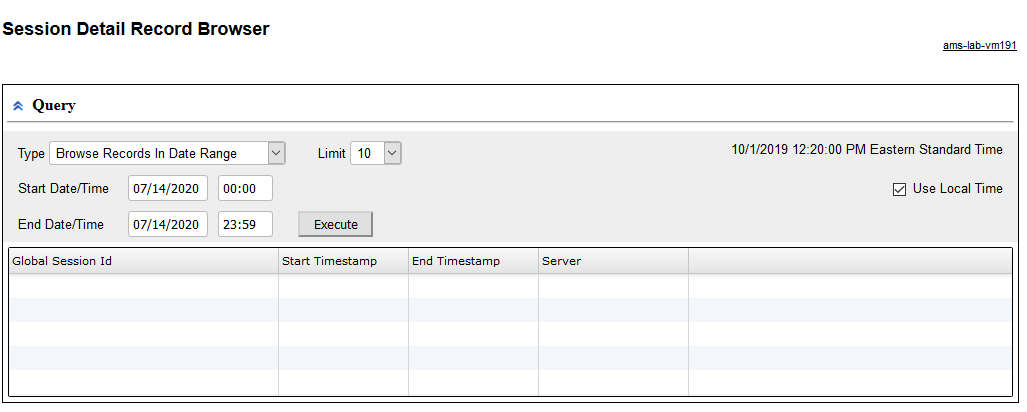
  1. Navigate to EM > Tools > Session Detail Record Browser.


    Session Detail Record Browser

  2. Select Browse Records In Date Range query type from the Type drop-down menu.
  3. To define a time range for the query, use the Start and the End options in the Query panel.
  4. Enter the maximum number of results in the Limit field.
  5. Click Execute to run the query.

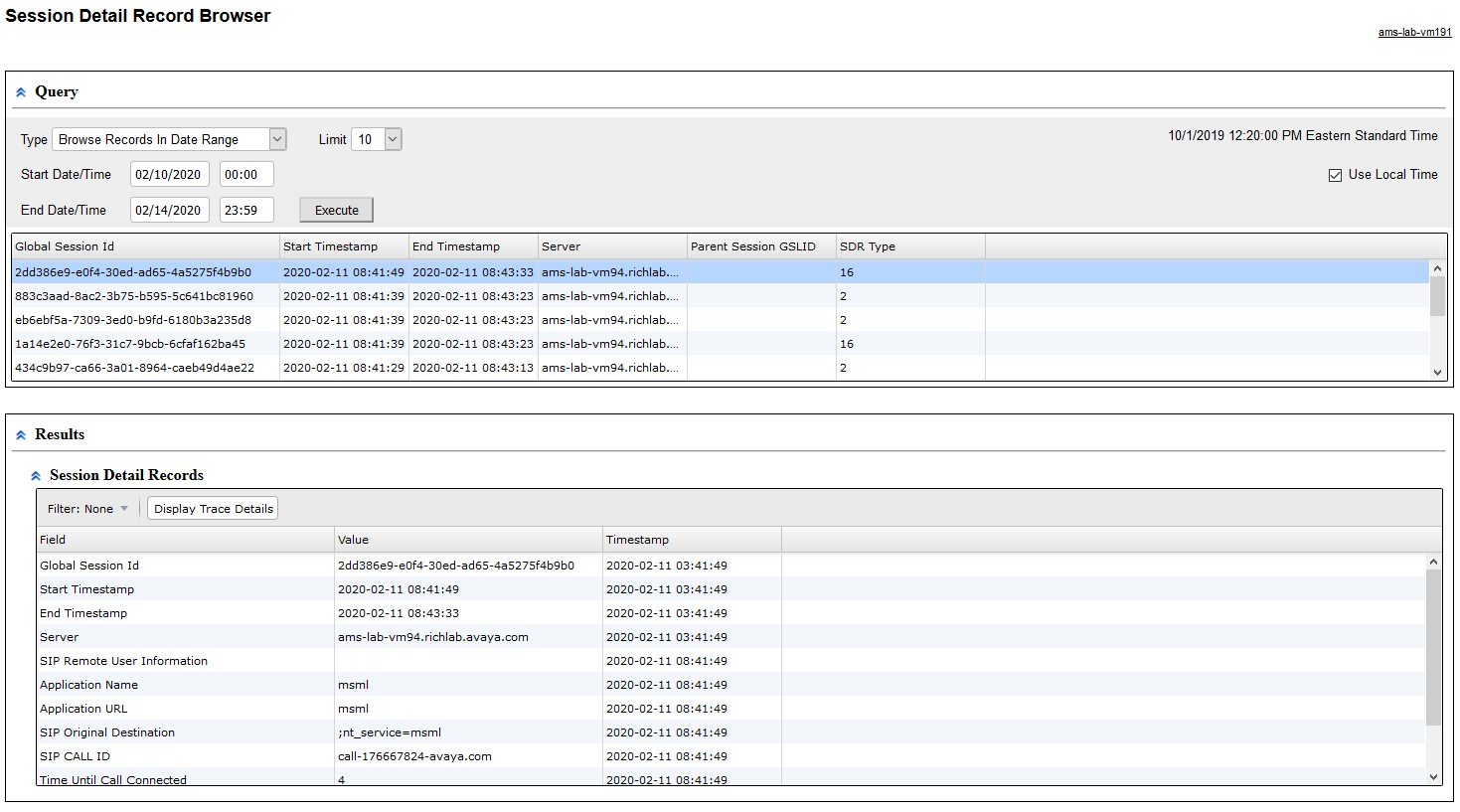
    The system displays the list of sessions.

  6. Click one of the rows in the list of sessions.
  7. Scroll down to review the details of that session in the Session Detail Records panel.


    Session Detail Records