AVAYA DOCUMENTATION CENTER
Find answers to your technical questions and learn how to use our products
Implementing and Administering Avaya Aura® Media Server
Viewing current active sessions
About this task
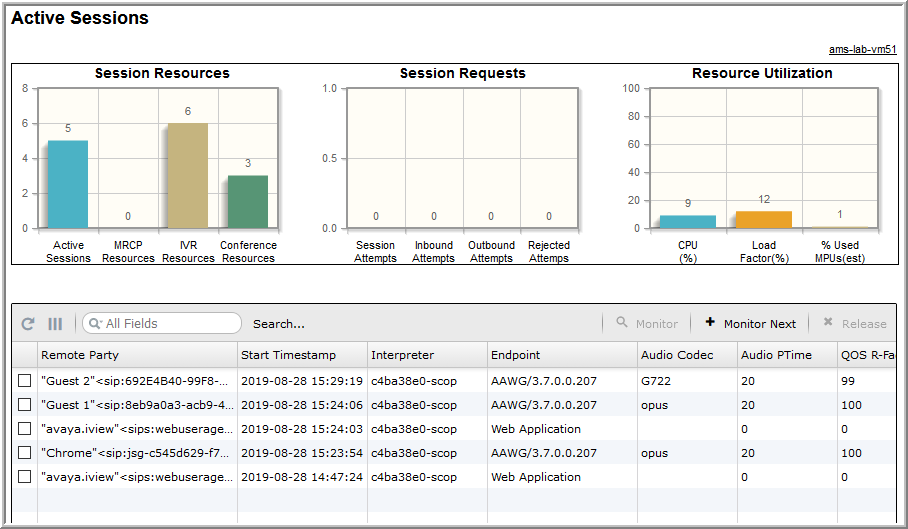
The active session display has several features you can use to find sessions of interest. You can also obtain detailed information related to each session, including the SIP messaging.
The default view of the Active Sessions pane in EM shows an unfiltered list of the active sessions. The unfiltered list can be a list of sessions only on one node or across the entire cluster. You can define a filter with very specific criteria to find sessions of interest.
Procedure
- Navigate to .
On the Active Sessions page, you can see a summary of resources that any current active sessions are consuming.
Use the horizontal scroll bars to see all the columns of information.