

AVAYA DOCUMENTATION CENTER
Find answers to your technical questions and learn how to use our products
Using IP Office System Status
Last System Restart
This screen list details of the last system restart.
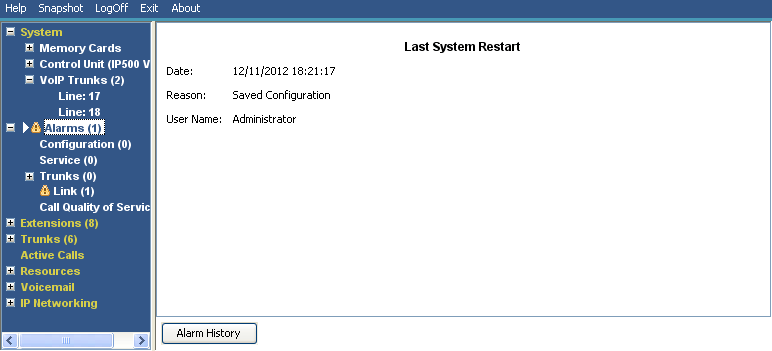
Information Displayed
Information |
Description |
|---|---|
Date |
The date and time the system last restarted. |
Reason |
Why the system restarted |
User Initiated |
An administrator used IP Office Manager or similar to reboot the system. System Status displays the administrator account name. |
Saved Configuration |
An administrator saved a configuration change requiring a system reboot. System Status displays the administrator account name. |
Software Upgrade |
The software upgrade has caused a reboot. |
Normal Power-up |
The switch has restarted after power outage. |
Abnormal Termination |
The switch restarted for another reason. System Status displays a stack trace. |
Buttons
The following buttons can appear on this screen:
Button |
Description |
|---|---|
Alarm History |
Display the alarm history details |