

AVAYA DOCUMENTATION CENTER
Find answers to your technical questions and learn how to use our products
Using IP Office System Status
Control Unit
Path:
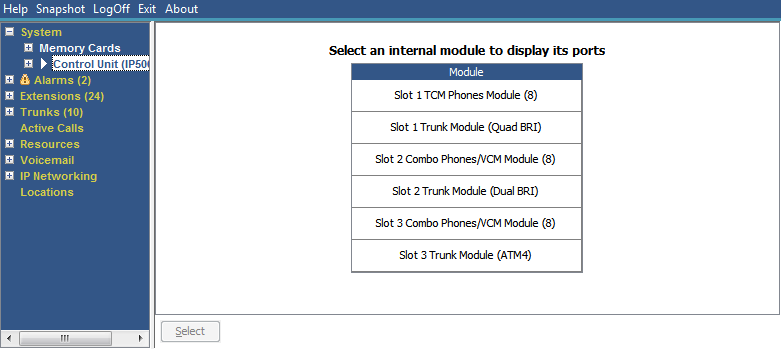
This screen shows the devices installed in the control unit ports. The number of available ports and the types of devices will vary according to the type of control unit. Select a device to display information on it.
Buttons
The following buttons can appear on this screen:
Buttons |
Description |
|---|---|
Select |
Show details for the currently selected item. |