

AVAYA DOCUMENTATION CENTER
Find answers to your technical questions and learn how to use our products
Using IP Office System Status
Memory Cards
Path:
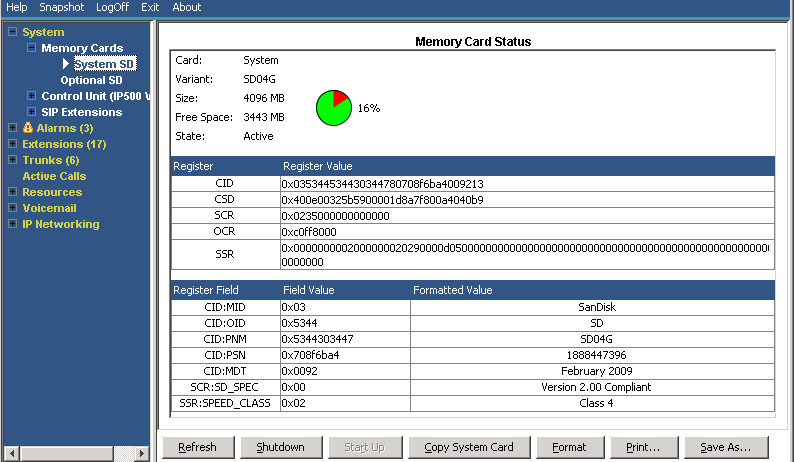
You can select this screen on systems where the control unit is fitted with an additional memory card or cards.
Buttons
The following buttons can appear on this screen:
Button |
Description |
|---|---|
Refresh |
Updates the screen. This button appears on screens that do not update automatically. |
Shutdown |
Memory card. Shuts down the services provided by the memory card, including embedded voicemail. Once shutdown, the system switches of the card LED and you can safely remove the card. |
Start Up |
Restart a shutdown memory card or Unified Communications Module. |
Copy System Card |
This option is available for IP500 V2 control units fitted with a System SD and Optional SD card. When selected, the system copies the contents of the System SD card to the Optional SD card. Note that this process can take several hours. |
Format |
This option is available for IP500 V2 memory cards. When selected, the system formats the card, erasing all existing contents. |
Save As... |
Saves the information shown on the screen to a text file (TXT or CSV). You can only save trace screens as CSV text files. |