

AVAYA DOCUMENTATION CENTER
Find answers to your technical questions and learn how to use our products
Using IP Office System Status
IP DECT System
Path:
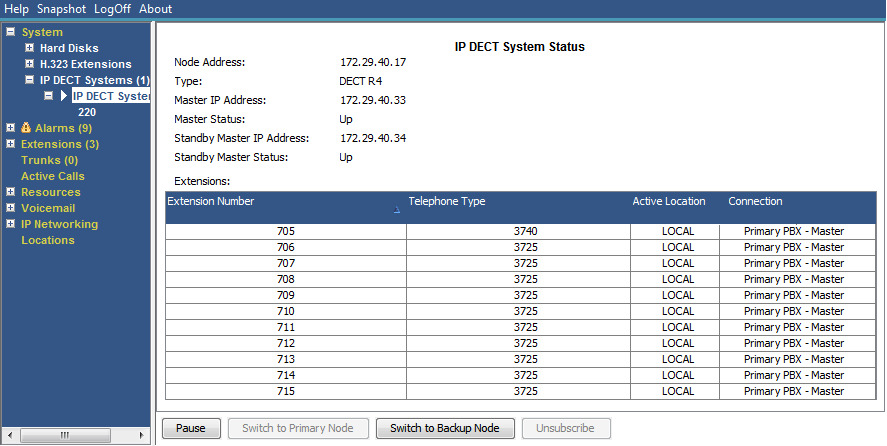
This menu displays details of a selected IP DECT system. Double-clicking on an extension displays the extension status. Alternatively, select the extension and then click on the Select button.
Buttons
The following buttons can appear on this screen:
Button |
Description |
|---|---|
Select |
Show details for the currently selected extension. See Extension Status. |
Pause |
Stops the screen from updating. The button label and function changes to Resume when the screen is paused. |
Resume |
Resumes updating screen in real time. When pressed, the button label and function changes to Pause. |
Select |
Show details for the currently selected extension. See Extension Status. |
Switch to Backup Node |
Switch the IP DECT system to the backup system. |
Switch to Primary Node |
Switch the selected IP DECT user back to the primary system. |