

AVAYA DOCUMENTATION CENTER
Find answers to your technical questions and learn how to use our products
Using IP Office System Status
System
Path:
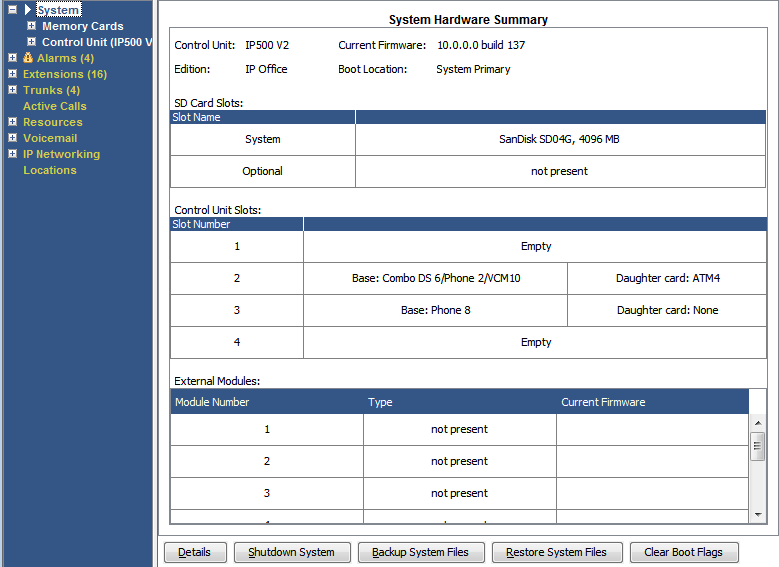
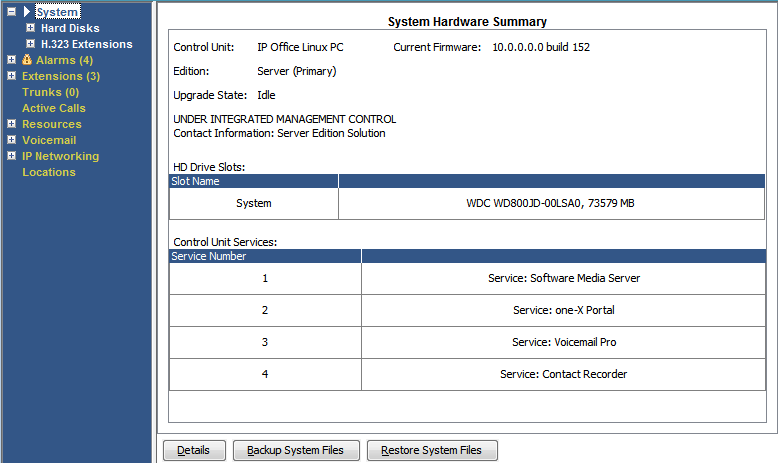
When you first log on, System Status displays the System Hardware Summary screen. This screen details information about the system and the various installed cards and modules. The information varies depending on the type of system.
Buttons
The following buttons can appear on this screen:
Button |
Description |
|---|---|
Summary |
Return to the System Hardware Summary menu. See System. |
Shutdown System |
Shutdown the system either for a period of time after which it automatically restarts or until manually restarted. |
Backup System Files |
Backup the files in the systems /primary folder to the /backup folder. |
Clear Boot Flags |
IP500 V2 only. During system booting various flags are set indicating from which source the system booted, etc. Occasionally it may be required to clear those flags. |