

AVAYA DOCUMENTATION CENTER
Find answers to your technical questions and learn how to use our products
Using IP Office System Status
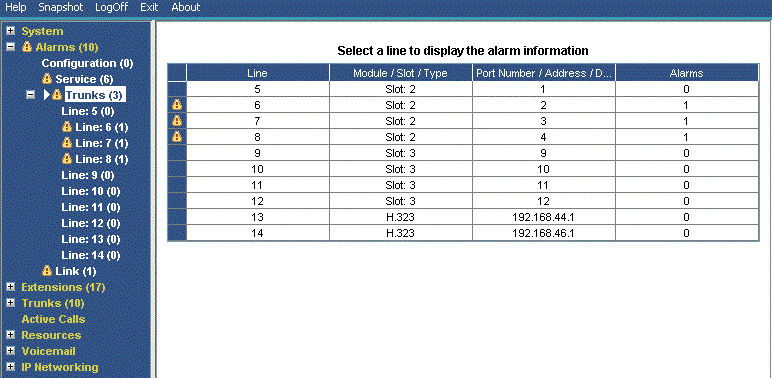
Trunk Alarms Summary
This screen displays a summary of the trunks in the system and the number of alarms for each. Double-click a line to display its individual trunk alarms.
Buttons
The following buttons can appear on this screen:
Button |
Description |
|---|---|
Select |
Show details for the currently selected item. |
Alarm History |
Display the alarm history details |
24-Hour Performance History |
This tab provides a 24-hour view of errors that occur on the line. If no errors have occurred within the last 24-hours, the table displays either zero or blank values. |