

AVAYA DOCUMENTATION CENTER
Find answers to your technical questions and learn how to use our products
Using IP Office System Status
Hard Disks
Path:
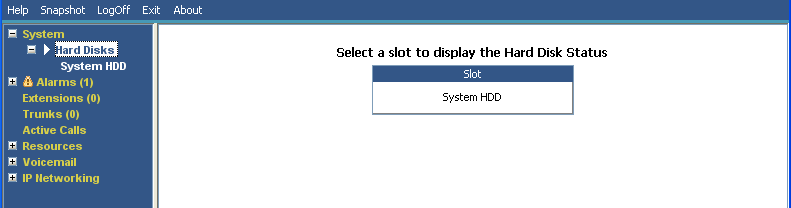
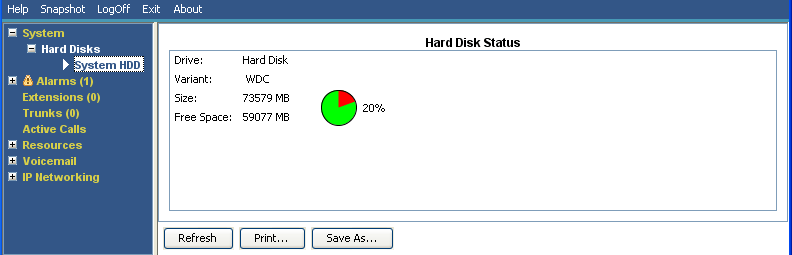
System Status shows this option for Linux-based systems. It allows selection of a system hard disk to display details of that disk.
Buttons
The following buttons can appear on this screen:
Buttons |
Description |
|---|---|
Refresh |
Updates the screen. This button appears on screens that do not update automatically. |
Print... |
Prints all information available in the current screen (including any information currently scrolled off). |
Save As... |
Saves the information shown on the screen to a text file (TXT or CSV). You can only save trace screens as CSV text files. |