

AVAYA DOCUMENTATION CENTER
Find answers to your technical questions and learn how to use our products
Using IP Office System Status
SIP DECT Base Stations
Path:
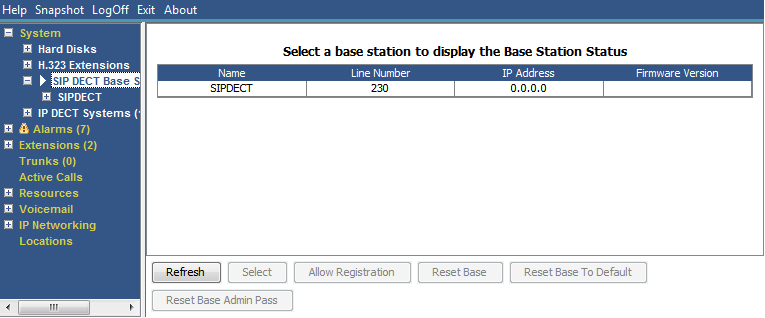
This menu lists the D100 SIP base stations configured on the IP Office system using SIP DECT lines.
Buttons
The following buttons can appear on this screen:
Button |
Description |
|---|---|
Refresh |
Updates the screen. This button appears on screens that do not update automatically. |
Select |
Show details for the currently selected item. |
Allow Registration |
Allow handset registration on the selected SIP DECT base station. |
Reset Base to Default |
Reset the selected SIP DECT base station to its factory default settings. |
Reset Base Admin Pass |
Reset the selected SIP DECT base station's administration password. |