

AVAYA DOCUMENTATION CENTER
Find answers to your technical questions and learn how to use our products
Using IP Office System Status
Alarm History
System Status displays this screen when the Alarm History button is pressed.
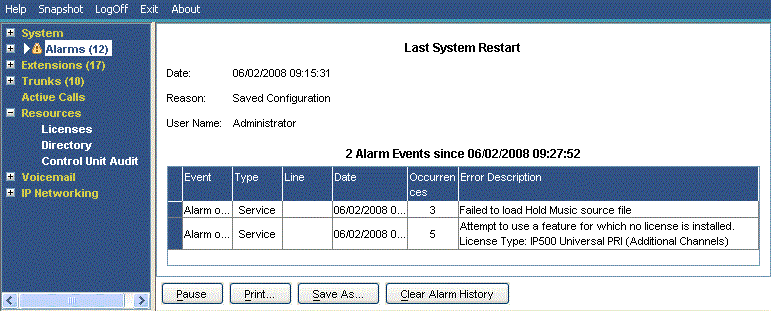
Buttons
The following buttons can appear on this screen:
Button |
Description |
|---|---|
Pause |
Stops the screen from updating. The button label and function changes to Resume when the screen is paused. |
Resume |
Resumes updating screen in real time. When pressed, the button label and function changes to Pause. |
Save As... |
Saves the information shown on the screen to a text file (TXT or CSV). You can only save trace screens as CSV text files. |
Clear Alarm History |
Clear the historical alarms displayed. |