

AVAYA DOCUMENTATION CENTER
Find answers to your technical questions and learn how to use our products
Using IP Office System Status
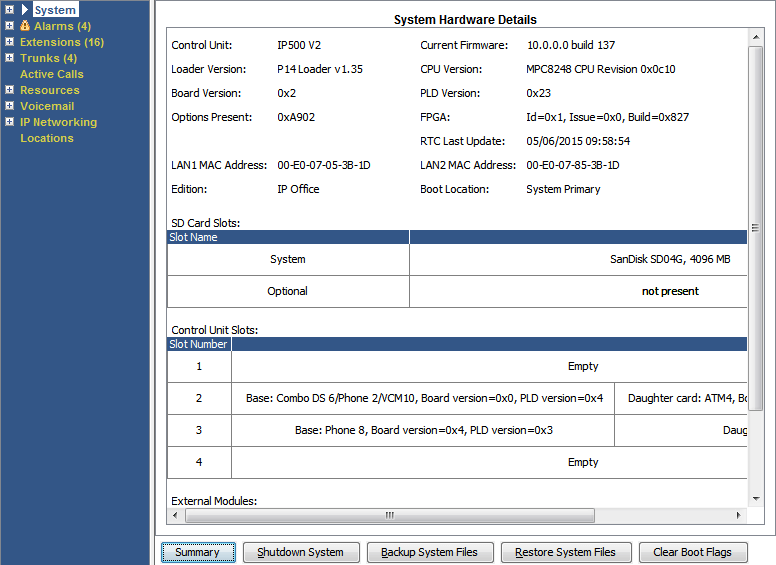
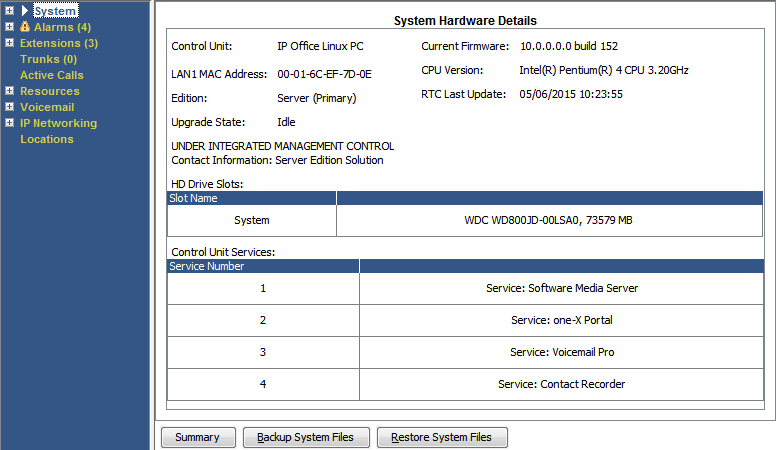
System Hardware Details
Path:
Buttons
The following buttons can appear on this screen:
Button |
Description |
|---|---|
Summary |
Return to the System Hardware Summary menu. See System. |
Shutdown System |
Shutdown the system either for a period of time after which it automatically restarts or until manually restarted. |
Backup System Files |
Backup the files in the systems /primary folder to the /backup folder. |
Clear Boot Flags |
IP500 V2 only. During system booting various flags are set indicating from which source the system booted, etc. Occasionally it may be required to clear those flags. |