AVAYA DOCUMENTATION CENTER
Find answers to your technical questions and learn how to use our products
Avaya G450 Branch Gateway CLI Reference
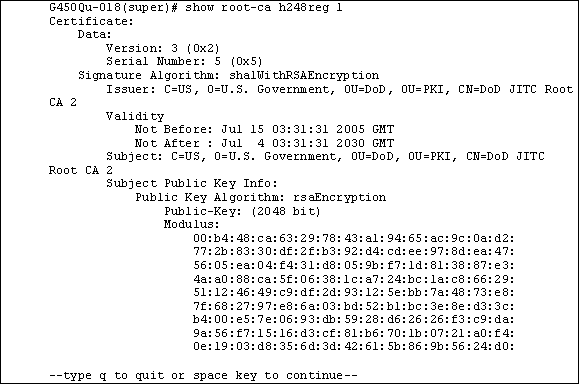
show root-ca
This command will show the list of trusted root certificates that are stored in the gateway.
Syntax
show root-ca <app>
Parameters
Parameter |
Description |
Possible Values |
Default Value |
|---|---|---|---|
app |
Application name. The enumerated choices are:
|
|
User level
read only
Context
general
Example