

AVAYA DOCUMENTATION CENTER
Find answers to your technical questions and learn how to use our products
Using IP Office SoftConsole
Modifying keyboard shortcuts
About this task
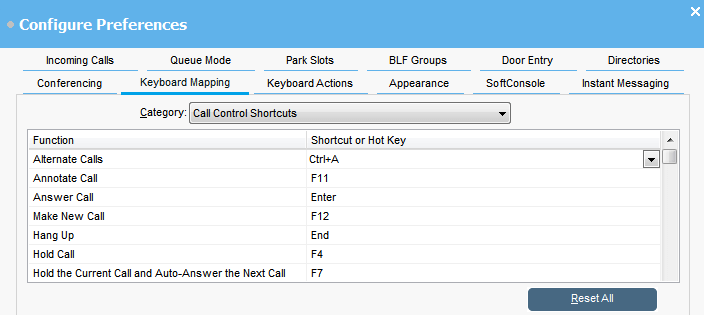
You can view and modify the console keyboard shortcuts.
Procedure
- Click
 Preferences.
 - Select Keyboard mapping.
- From the Category drop-down menu, select the set of shortcuts that you want to view.
- To modify a specific shortcut key:
- To reset all shortcut keys back to their default settings, click Reset all.