Find answers to your technical questions and learn how to use our products
Search suggestions:
Put a call on hold so that you can perform another task.
To put the current call on hold and answer the next call in one action, press F7.
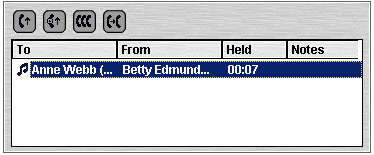
The Held Calls Panel contains a list of all the held calls.
Previous Topic
Next Topic


 or press F4.