AVAYA DOCUMENTATION CENTER
Find answers to your technical questions and learn how to use our products
Using IP Office SoftConsole
Changing user status
You can change a user’s status from the directory.
Procedure
- Click
 in the Directory panel.
 - Click
 .
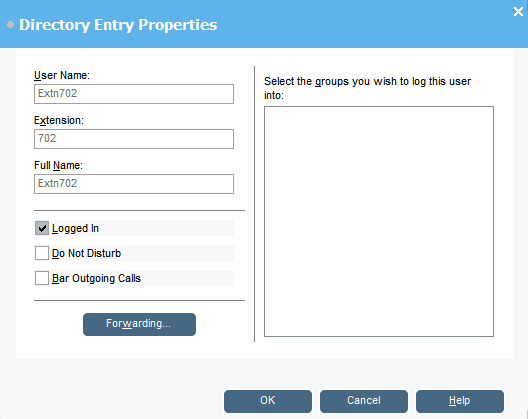
. - You can change the following options for the user:
Option
Description
Do Not Disturb
Shows whether the user is on do not disturb status.
Bar Outgoing Calls
The user cannot make outgoing calls.
Forwarding
Click to display forwarding settings.
Group Service Status
A list of the hunt groups that the user belongs to. If the group is checked, the user is in the group.