Find answers to your technical questions and learn how to use our products
Search suggestions:
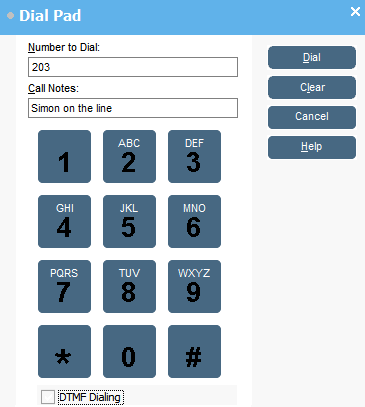
Use the dial characters on the Dial pad or the keyboard.
Use call notes to add call tag text.
Previous Topic
Next Topic


 .
.