AVAYA DOCUMENTATION CENTER
Find answers to your technical questions and learn how to use our products
Using IP Office SoftConsole
Sending instant messages
About this task
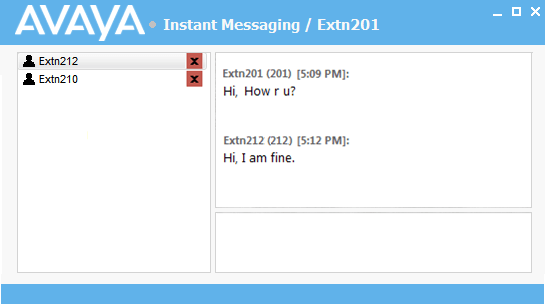
The console can be configured to support instant messaging. When enabled, you can use the directory to select and send instant messages to other users.
The other users must be using an Avaya application that also supports instant messaging.
Procedure
- Right-click on the user and select Send Instant Message or press Ctrl + I.