AVAYA DOCUMENTATION CENTER
Find answers to your technical questions and learn how to use our products
Using IP Office SoftConsole
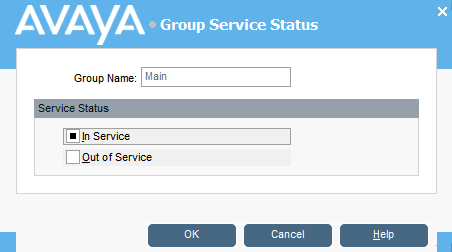
Changing hunt group status
About this task
You can change a hunt group’s status between In Service and Out of Service.
Note:
The settings shown in console are those that were current when the user or group was selected. If the settings are then updated by another method, for example from a user’s phone, those changes are not shown until the existing settings are closed and then reopened.
Procedure
- Click
 in the Directory panel.
 - Click
 .
.
You can change a hunt group’s status depending on the telephone system configuration. Out of Service calls go either to another destination or to voicemail. The ability to use this feature is not enabled by default. A third status setting, Night Service, is set either automatically by time settings or by the use of special dialling