Find answers to your technical questions and learn how to use our products
Search suggestions:
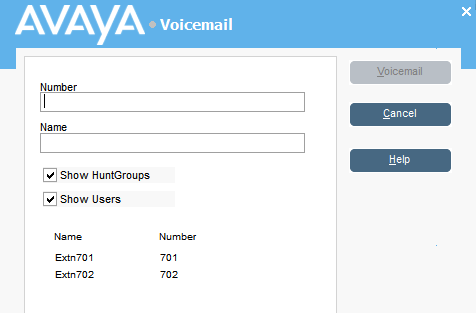
If the caller wants to leave a message, you can transfer the them direct to a user or group’s voice mail.
You can also select the Show Hunt Groups and Show Users radio buttons.
You can also select the extension number from the directory panel and then press F3.
Previous Topic
Next Topic