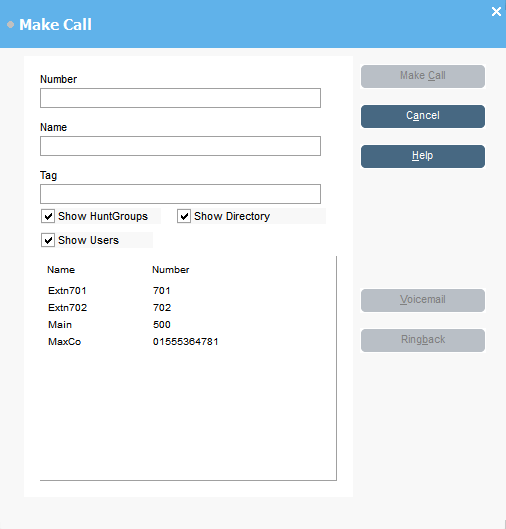
Select the directory that you want to search. You can select more than one directory.
Start typing the name in the Name field.
The entries that match the text you entered are displayed. When the required number appears in the list, click it once. The number is transferred to the Number field. When there is only one match, the number is automatically transferred to the Number field.
Enter a tag message if required.
Select the required action:
Option
Description
Make call
Place a call on the selected number.
Voicemail
Leave a message for the user.
Ringback
When an extension number is busy, click Ringback. When the extension becomes free, it rings your extension.


 or press F12.