

AVAYA DOCUMENTATION CENTER
Find answers to your technical questions and learn how to use our products
Using IP Office SoftConsole
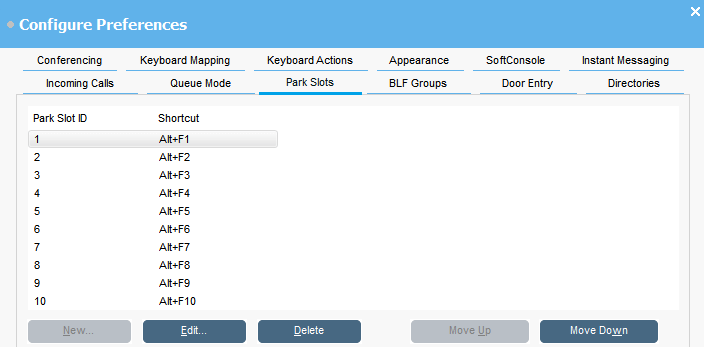
Configuring park slots
About this task
You can set the number of available Park Slot buttons and the IDs associated with each button.
Procedure
- Click
 Preferences.
 - Select Park slots.
- To add or edit a park slot:
- To remove the selected park slot from the list, click Delete.
- To change the order of configured park slots:
- Select the park slot you want to move.
- Click Move Up and Move Down as required.