

AVAYA DOCUMENTATION CENTER
Find answers to your technical questions and learn how to use our products
Using IP Office SoftConsole
Configuring queue monitoring for hunt groups
About this task
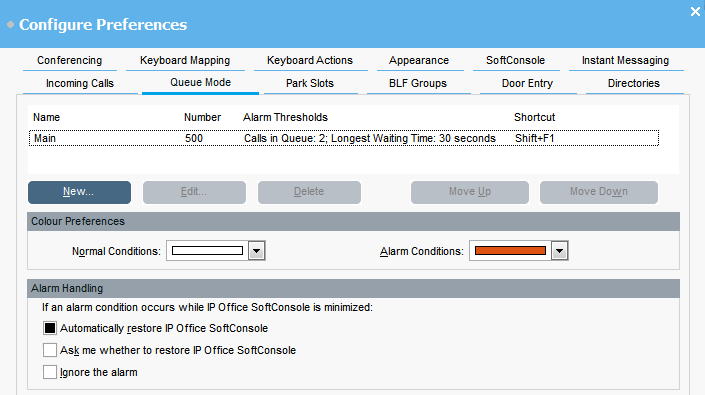
You can configure queue monitoring for a specific hunt group. You can configure and monitor up to eight queues. One of the queues is configured as a recall queue. The recall queue shows calls that have been queued, answered, and then transferred. In this case, the transferred call was not answered. Instead of being returned to the original queue, these types of calls are placed into a new queue called Recall
.
Before you begin
An administrator must configure a hunt group on the telephone system with queuing enabled.
Procedure
- Click
 Preferences.