Find answers to your technical questions and learn how to use our products
Search suggestions:
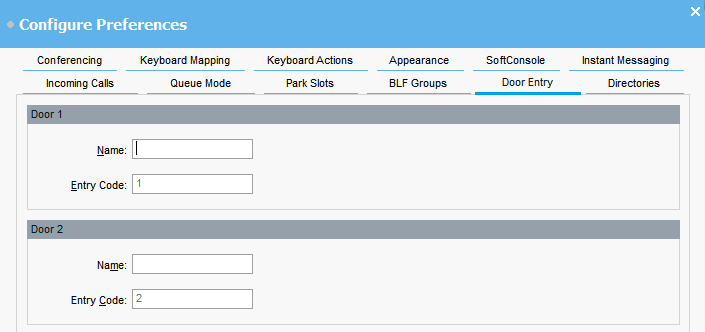
You must enter door names before you can use the console to control a door attached to the telephone system.
For example, you might enter the name Loading Bay for a door to a loading bay.
The Entry Code for each door name is pre-populated with 1 or 2. The number indicates the door relay to activate. You cannot change entry codes.
You can now open a door from Tools > Door Entry. You can then select the appropriate door name from the menu.
Previous Topic
Next Topic