AVAYA DOCUMENTATION CENTER
Find answers to your technical questions and learn how to use our products
DITA and Tridion Docs Work Instructions and Guidelines
Adding author name in the deliverable map
About this task
When you upload a PDF file to Avaya Support site, you set the following document properties:
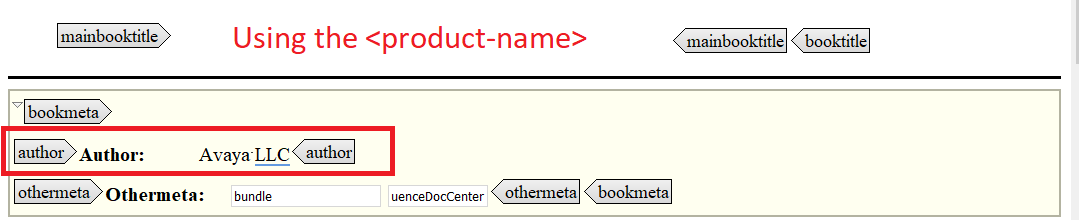
Author = Avaya LLC
Page layout=single page continuous
Magnification= 100%
You must add the author name for a publication only once, and every time you publish the PDF, Tridion Docs preserves the author and PDF page property values.
For security purpose, you must add the organization name, Avaya LLC, and not expose the author who created or edited the document.
Procedure
- In the bookmeta element, add the author element and type Avaya LLC.