Find answers to your technical questions and learn how to use our products
Search suggestions:
Log in to the Avaya network to use the Jira software.
Request for access to the INFOSOLUTIONS project.
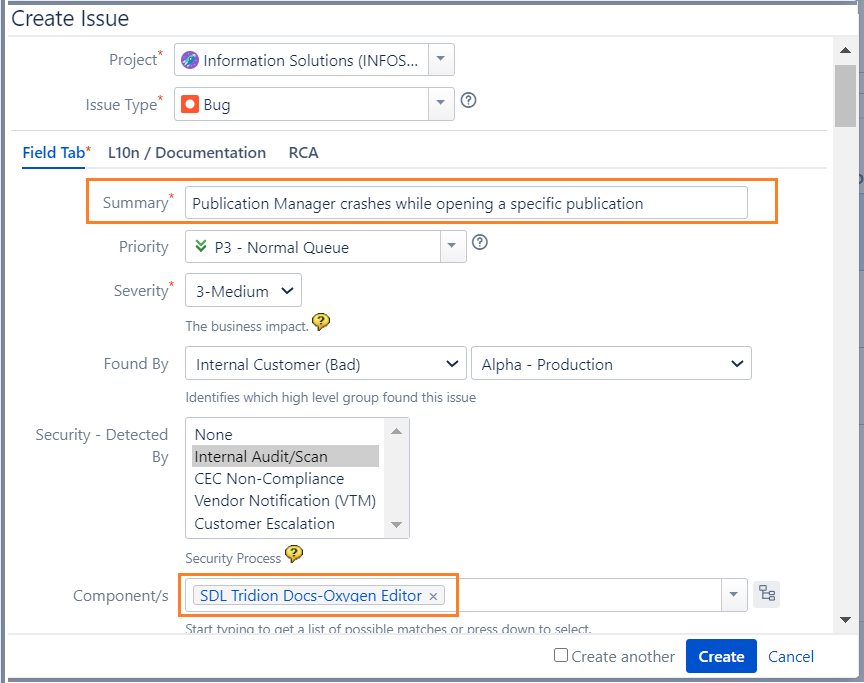
See Create the DITA support ticket.
The form is submitted and the assignee is notified of the issue.
Previous Topic
Next Topic