AVAYA DOCUMENTATION CENTER
Find answers to your technical questions and learn how to use our products
DITA and Tridion Docs Work Instructions and Guidelines
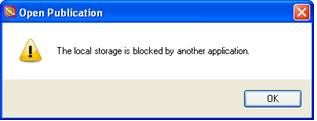
Local storage is blocked by another application error
When you have to stop Publication Manager and try to restart immediately, you might see the following message . This error indicates that the local storage is blocked because the previous session of Publication Manager or Oxygen XML Author still has it open.
Solution
Procedure
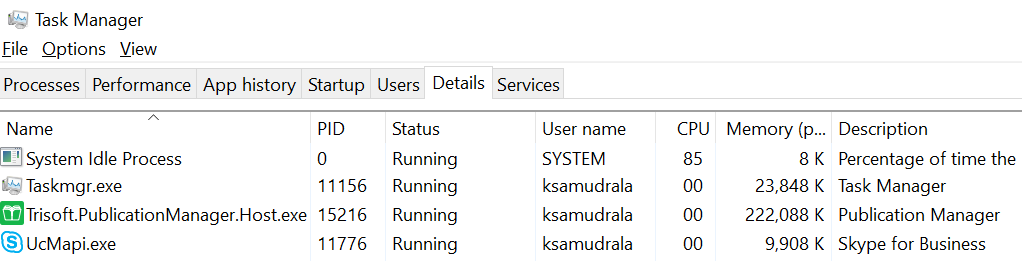
- Locate the process Trisoft.PublicationManager.Host.exe.
Tip:
Click Name to sort the processes alphabetically.