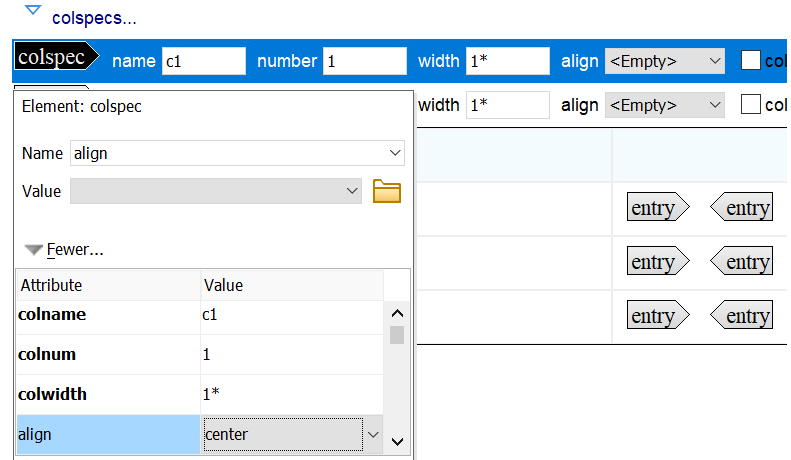
For example, for a two-column table where you want the first column to have a proportional width of 30% and the second column to have a width of 70% of the table width, enter a colwidth of 30* for the first column and then modify the attributes of the second column to set the colwidth to 70*.
You can also modify a column's width of simple table or complex table by positioning the cursor over the column separator until the cursor changes, and then dragging the cursor to adjust the width of the column. You cannot use this method to modify the column widths of part tables.