AVAYA DOCUMENTATION CENTER
Find answers to your technical questions and learn how to use our products
DITA and Tridion Docs Work Instructions and Guidelines
Forcing worksheets and checklists to start on a new page
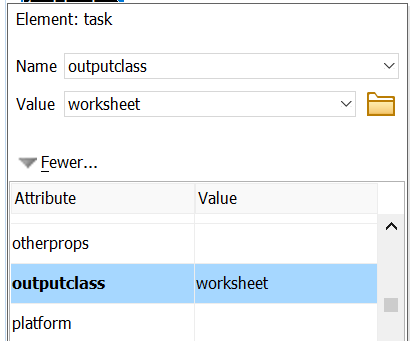
You can force worksheets and checklists to start on a new page in the PDF output. This allows users to print those pages without getting unrelated content. Apply this functionality only to worksheets and checklists.
Procedure
- In the Attributes window, in outputclass, type worksheet.