

AVAYA DOCUMENTATION CENTER
Find answers to your technical questions and learn how to use our products
DITA and Tridion Docs Work Instructions and Guidelines
Extending an image to the left margin
For a larger image, you can extend it to start at the left margin and align with the topic heading.
Before you begin
Ensure that the image element is added inside the parent fig element.
Procedure
- In the Attributes window, set the expance attribute to page.
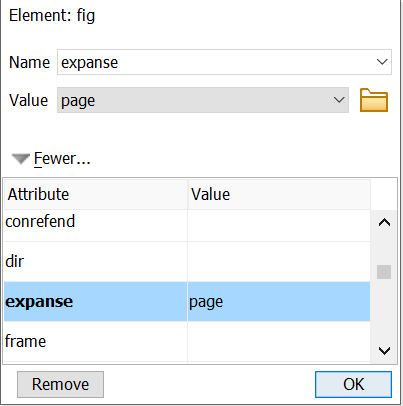
You can set this property only on the fig element and not cannot extend the margin for an image element.