AVAYA DOCUMENTATION CENTER
Find answers to your technical questions and learn how to use our products
DITA and Tridion Docs Work Instructions and Guidelines
Icons
You can use icons in DITA topics. However, you must follow these requirements:
An image element must include an alt tag with a description of the icon that can be read by a screen reader for persons with vision impairment.
If your content contains a lot of icons, create a common topic with icons and the alt text in the image element. With this, the Localization team can translate the common topic that includes the alt text only once, and do not require to retranslate separate instances of the alt text.
The height attribute on the image element must be set to 11pt to maintain the size of all icons same, and to maintain the line spacing.
Important:If the icon is complicated that it cannot be read at 11 pt, you must not include it in steps and paragraphs. Instead, provide it in a reference table with other graphics and use the icon label in steps and paragraphs.
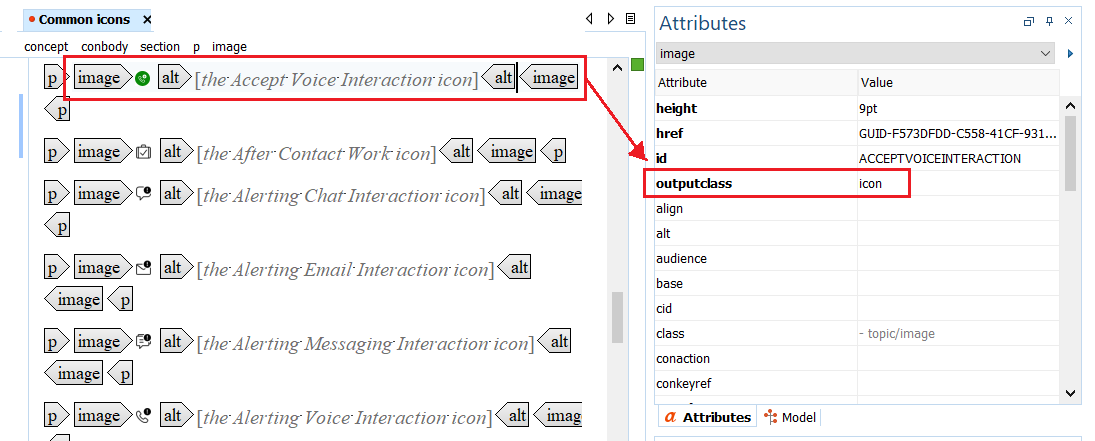
If an icon size on Avaya Documentation Center is larger even after the height is set to 11, set the outputclass attribute of the image to icon in Oxygen XML Author.