AVAYA DOCUMENTATION CENTER
Find answers to your technical questions and learn how to use our products
Using Customer Operations Manager for IP Office Subscription Systems
Viewing the User Accounts
Note:
-
If you are logged in as an Administrator user, you can view, add, edit and delete other user accounts.
-
If logged in as a Supervisor user you can add additional Operator users. You can also view, edit and delete those additional users. For those users, you can only assign labels and customers which are also assigned to your user account.
- Click on
 .
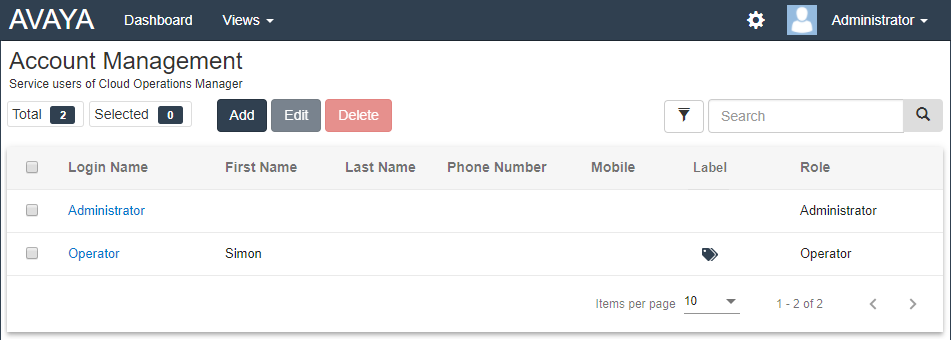
. - Click on Account Management. The list of users and their details is shown.
STEP RESULT: