

AVAYA DOCUMENTATION CENTER
Find answers to your technical questions and learn how to use our products
Using Customer Operations Manager for IP Office Subscription Systems
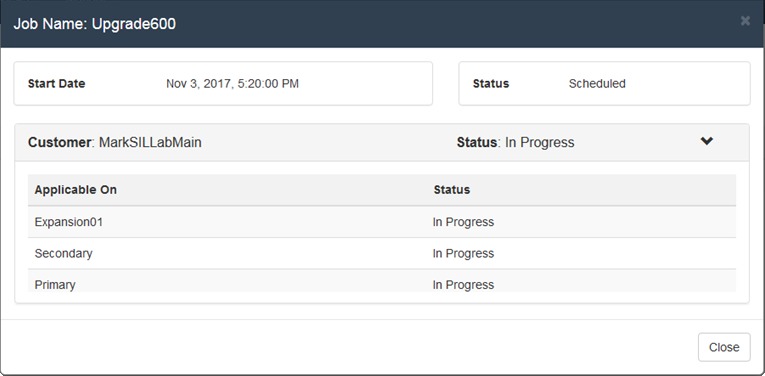
Viewing Job Details
- Display the list of scheduled jobs. See Viewing Scheduled Jobs.
- Click on the
 icon next to the job.
 - The details of the job are displayed.
- Click on Close to return to the list of jobs.