AVAYA DOCUMENTATION CENTER
Find answers to your technical questions and learn how to use our products
Using IP Office SoftConsole
Adding call tag text
About this task
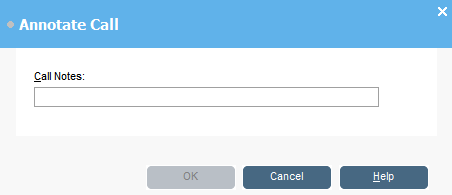
A short text string can added to any call. This feature is called call tagging. The text remains with the call when it is transferred and appears on the display of internal phones receiving the call. The text is also recorded within the call history.
Using the console, you can add a call tag when making or transferring a call. In addition, using the process below, you can add a call tag while connect to the call.
Procedure
- When making or transferring a call, click or press F11.