

AVAYA DOCUMENTATION CENTER
Find answers to your technical questions and learn how to use our products
Using Avaya Cloud Office Desktop App
Back and Forward buttons
The Back and Forward buttons are the left and right pointing arrows on the top header bar that you can use to switch between the sections you visit on Avaya Cloud Office Desktop App.
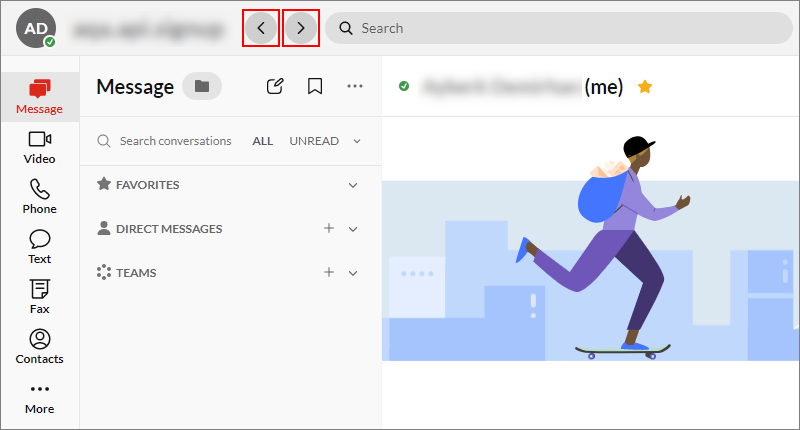
The Back button enables you to navigate to the previously visited sections. You can then use the Forward button to reverse the action of the Back button. You can also click and hold to view your navigation history and select an entry to quickly revisit that section.